Announcements
After creating your account, the gov.br application starts to work as a digital public service center. With only CPF and password, it is possible to access gov.br services directly by mobile phone, consult documents, verify benefits and use government platforms without having to create several different registrations.
How to access services through the gov.br application
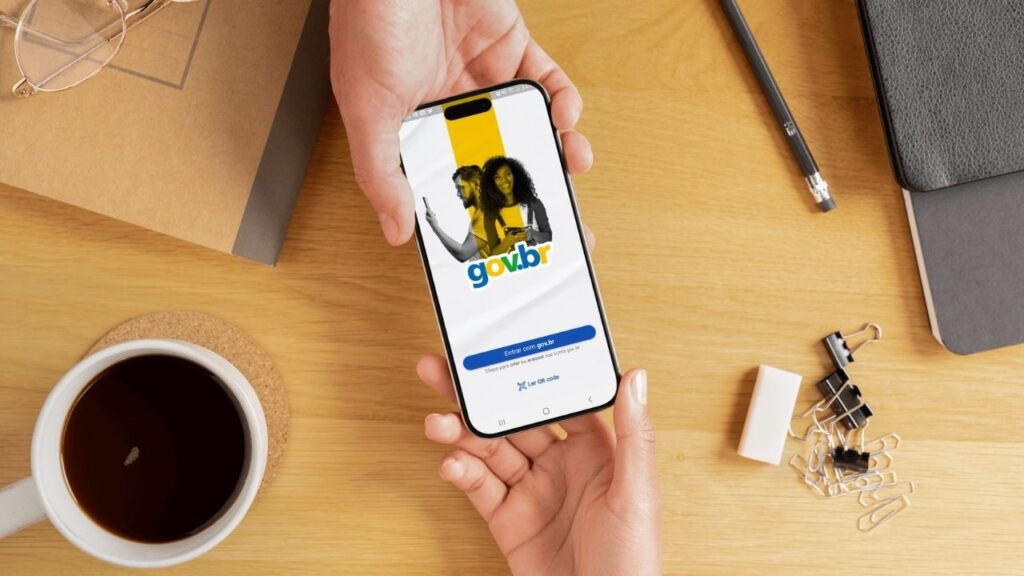
📱 To access gov.br services by mobile, the first step is to sign in to your account in the official application.
If you do not have the app installed yet, you can download directly from the official stores:
- Android: https://play.google.com/store/apps/details?id=br.gov.meugovbr
- iPhone (iOS): https://apps.apple.com/br/app/gov-br/id1506827551
After installing the app, follow these steps:
1️⃣ Open the gov.br application on mobile.
2️⃣ 🪪 Log in with your CPF and password gov.br account.
3️⃣ 📋 Access the menu of services available on home screen.
4️⃣ 🔎 Choose the desired service to continue.
📌 As soon as the login is done, the application works as a centralized portal, bringing together diverse gov.br services accessible directly by mobile.
💡 If you prefer, you can also access some services through the computer on the official government portal:
🔗 https://www.gov.br
In some cases, when choosing a specific service, the system may redirect to other official apps that use the same gov.br account, keeping access integrated with a single login.
Main services available in the application
📲 The application brings together some of the digital public services most used in Brazil, allowing to solve various demands without leaving home.
See some important examples.
🧓 INSS Services
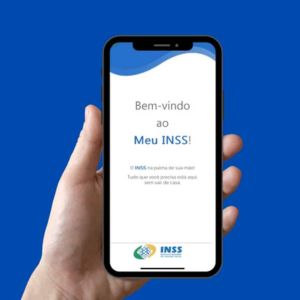
One of the most common accesses is to My INSS, which allows you to consult and request various social security services.
Among the functions available are:
- consult extract of contributions
- request benefits
- schedule medical expertise
- simulate retirement
🔎 Everything can be accessed using the gov.br login, without having to create new accounts.
💼 Digital work card
Another widely used service is a Digital Work Portfolio.
With it, it is possible to consult:
- registered employment contracts
- professional background
- unemployment insurance information
- employer data
access is done with the same account, since the digital workbook uses the gov.br login system to free up its services.
💰 Income tax
The application also allows you to access functions related to income tax.
Among the services available are:
- consult data from the declaration
- access the pre-filled statement
- accompany refunds
📊 These resources are part of gov.br services integrated with the Federal Revenue Service, facilitating access to tax information.
📄 Public documents and records
Another important function of the application is the query of digital documents and cadastral data.
Within the gov.br app, the citizen can:
- view CPF data
- access digital documents
- perform electronic signature of documents
- make digital proof of life
✍️ The electronic signature available in the application has legal validity in several public services.
Popular services that use login gov.br
The gov.br account also works as single sign-on for various government applications and platforms.
this means that by logging into your account, you can access multiple integrated systems without having to create new registrations.
Among the main examples are:
📱 My INSS ^^^^^^ benefit and retirement consultation
📱 FGTS 2 Balance consultation and withdrawals from the fund
📱 My SUS Digital 2 History of vaccines, examinations and health services
📱 e-Title ''Electoral Justice Services
📱 Cellphone Safe udo fast cell phone lock in case of theft
📱 CNH of Brazil ^access to CNH and vehicle documents
💡 All these systems use the same account for authentication, allowing access to gov.br services with a single login.
How to use the app more safely
as the gov.br account gathers a lot of personal data and access to important services, it is essential to maintain the security of the account.
See some best practices.
Activate biometrics in the cell phone
Whenever possible, activate the biometrics or facial recognition on mobile.
This helps protect access to the app if the device is used by someone else.
🔑 Use two-step verification
Another important measure is to activate the two-step verification the gov.br account.
With this feature:
- beyond password
- you will need to confirm access with a security code
🛡️ This extra layer helps prevent unauthorized access.
🔒 Protect the password of the account
It is also important to maintain some basic care with the password.
do not share your password with others
avoid using passwords that are easy to guess
change the password if you suspect improper access
⚠️ If the password is entered incorrectly several times, then the account may be temporarily blocked for security reasons.
In such cases, unlocking may occur automatically after a few hours or through the password recovery in gov.br portal.
The gov.br application was created to facilitate the access of the population to digital public services. After logging in, the citizen can access gov.br services directly by mobile, consult documents, verify benefits and use official government platforms in minutes.
With a single account, you can solve multiple demands without leaving your home.
