Announcements
Many people want to know if you are already registered in the Single Registration, but do not know where to start. Doubt usually appears at important times: when trying to access social benefits, confirm the NIS or check if the registration is active.
How to consult the Single Register by the CPF
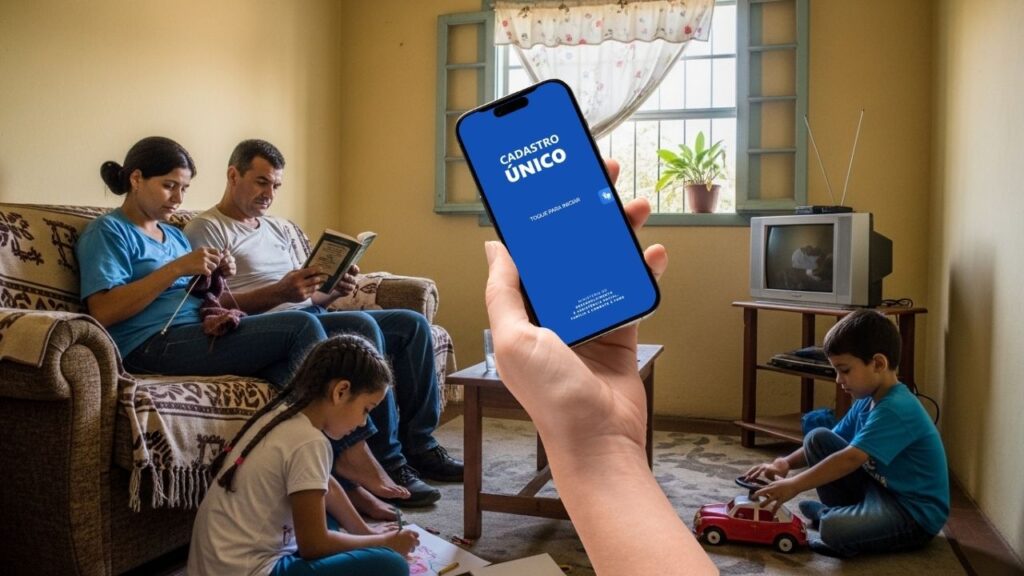
The simplest way to check if you are in the Single Register is using the Single Registration Application.
The system identifies the user through the CPF used in the login of the gov.br account and it shows the information recorded in the Cadunico.
See how to make the consultation:
Step by step to consult the registration
1️⃣ Open the Single Registration Application
👉 Android: https://play.google.com/store/apps/details?id=br.gov.dataprev.meucadunico&hl=en_BR
👉 IOS: https://apps.apple.com/br/app/registration%C3%BAnico/id1605659516
2️⃣ Tap Enter
3️⃣ Log in with your account gov.br
4️⃣ After entering, select the option Consultation
5️⃣ View the registration information
After accessing the system, you will be able to see the data related to the family registration.
Among the information normally displayed are:
name of the family responsible
✅ registered family members
✅ Social Identification Number (NIS)
✅ situation of the register
✅ date of last update
This query allows you to quickly confirm that the registration is active in the system.
How to know if you are in the Single Register
When consulting the registration by the application, the system can present different situations.
Understanding the meaning of these messages helps to correctly interpret the result of the query.
See the most common scenarios:
Register located: If the system finds the registration, the information of the registered family will be displayed.
This means that the CPF used is linked to a CadUnico record.
🔶 Registration not found: If the application shows that no records were locatedthis may indicate some situations:
➡️ the person still it's not registered in the Cadunico
➡️ the CPF used does not correspond to the family responsible
there was an error in the typing of the CPF
the registration has not yet been updated in the system
In these cases, it may be necessary to check the situation directly with the sector responsible for the registration.
outdated registration: In some cases, the application may show that the registration needs updating.
This means that the registration is registered in the system, but needs to be updated to keep the correct data.

How to make simple query in the application
The application offers a quick way to check the main registration information.
This query allows you to view:
🔎 situation of the register
🔎 date of last update
name of the family responsible
🔎 registered members
This type of query is useful for those who just want to confirm that the registration is active.
It also helps identify if the registration needs updating.
How to make a complete consultation of the registration
In addition to the simple query, the application can also present more detailed information.
The complete consultation usually allows you to view:
🔎 data of the registered family
🔎 information of each member
🔎 situation of the register
🔎 update history
This type of query is useful when the user needs to verify more specific information of the registration.
How to query NIS in the app
O Social Identification Number (NIS) it is one of the most sought data within the Single Registry.
This number is used in various social programs and can be consulted within the application.
To view NIS:
1️⃣ Open the app
👉 Android: https://play.google.com/store/apps/details?id=br.gov.dataprev.meucadunico&hl=en_BR
👉 IOS: https://apps.apple.com/br/app/registration%C3%BAnico/id1605659516
2️⃣ Log in with your gov.br account
3️⃣ Access the query area
4️⃣ Check the data of the family member
The NIS number usually appears next to the personal information registered in the system.
How to issue proof of Single Registration
In some situations, it may be necessary to prove that the family is registered in Cadunico.
The application can allow you to generate a proof of registration.
This document usually provides information such as:
name of the family responsible
📌 NIS number
📌 date of registration
📌 situation of the register
This proof may be requested in some social services or administrative processes.
What to do if the registration does not appear
If you try to consult the Single Register and no information appears in the application, there are some possibilities.
The most common are:
!!️ Registration not yet done: The family may not be registered in the system.
In this case, it is necessary to register with the sector responsible for social care.
!!️ Recent registration: When the registration was done recently, it may take some time to appear on the digital system.
This is because the information still needs to be processed.
!!️ CPF different from the family responsible: The CPF used at login may not be the same as the person registered as a family responsible in the registration.
In this situation, the system may not show the expected data.
!!️ Temporary system error: At times, the application may present instability.
If this happens, try accessing again later.
Tips to consult the registration without errors
Some attitudes help to avoid problems when consulting the Single Register.
See some useful recommendations:
📱 Keep the app updated
🔐 Use a gov.br account correct
📶 Use stable internet connection
Check if the CPF entered is correct
These precautions help make the consultation faster and avoid common mistakes.
Consult the Single Registration by CPF using the application is one of the most practical ways to check the situation of the family registration.
In a few minutes, the user can access important information, such as NIS, the registration situation and the data registered in the system.
Knowing how to correctly use this query facilitates the monitoring of the registration and allows a better understanding of the information available within the platform.