Announcements
Many people can install the Single Signup application, but end up locking in just the most important part: enter the system to consult the family register. Login errors, difficulties with the gov.br account or questions about how to access the data are quite common situations.
How to enter the Single Register by mobile
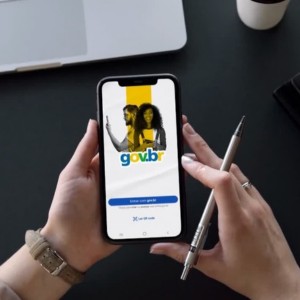
After installing the application, access to the system is done through the gov.br account, which works as digital identification for various public services.
This account allows the system to identify the user and show the information linked to the family registration.
Step by step to access the app
1️⃣ Open the Single Registration Application on mobile
2️⃣ Tap the option Enter
3️⃣ Type the CPF
4️⃣ Inform a gov.br account password
5️⃣ Confirm access
After logging in, the application will load the information available in the system.
Within the platform, it is usually possible to view:
- registered family data
- cadastre situation
- NIS of family members
- information recorded in Cadunico
This process takes only a few seconds when the login is performed correctly.
If you have not downloaded the Single Registration app, go here:
👉 Android: https://play.google.com/store/apps/details?id=br.gov.dataprev.meucadunico&hl=en_BR
👉 IOS: https://apps.apple.com/br/app/registration%C3%BAnico/id1605659516
How to login with gov.br account
A gov.br account it is mandatory to access the Single Registration application.
It works as a single login used in various government digital services, including:
➡️ INSS
➡️ Federal Revenue services
➡️ social programs
If you already use any of these services, you probably already have an account.
To enter the application, just use:
- CPF
- password registered on gov.br
This portal also allows you to change password, regain access, and update account data.
How to create a gov.br account
If you do not already have a gov.br account, you will need to create one before accessing the application.
The process is simple and can be done online.
Step by step to create the account
1️⃣ Access the gov.br portal
👉 https://sso.accesso.gov.br/login?client_id=www.gov.br&authorization_id=19d6e81c744
2️⃣ Type your CPF
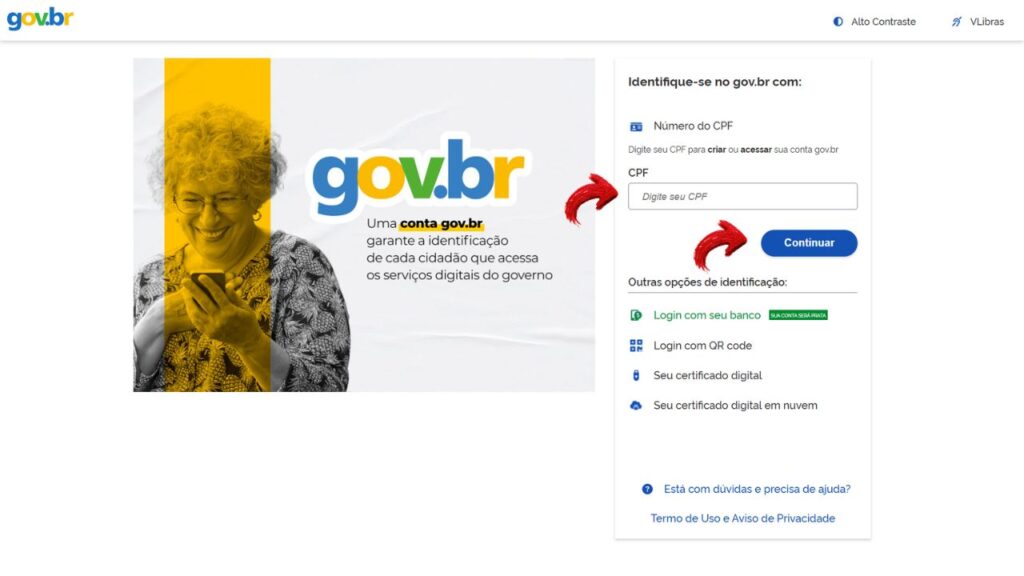
3️⃣ Fill in the requested information
4️⃣ Create a access password
5️⃣ Confirm the registration
After that, your account will be ready to be used in the app.
This account will allow access to several digital public services in addition to the Single Registry.
How to recover the password of gov.br
One of the most common problems when trying to sign in to the app is do not remember the password of the gov.br account.
If this happens, it is possible to regain access quickly.
Step by step to recover password
1️⃣ Access the login page of gov.br
👉 https://sso.accesso.gov.br/login?client_id=www.gov.br&authorization_id=19d6e81c744
2️⃣ Click on the option I forgot my password
3️⃣ Inform the CPF
4️⃣ Choose a recovery method:
- registered email
- SMS
- facial recognition (where available)
5️⃣ Create a new password
After resetting the password, you can go back to the app and log in normally.
What to do if you are unable to enter the app
Even following all the steps, some people still find it difficult to access the application.
There are some situations that can prevent login.
account gov.br blocked: If there are multiple attempts of incorrect password, the account may be temporarily locked.
In such cases, you need to wait a few minutes or reset the password.
CPF not located in the system: In some cases, the system may not find registration information.
This can happen when:
➡️ the person still it's not registered in the Cadunico
the registration has not yet been updated in the system
there was an error in filling out the CPF
When this occurs, it may be necessary to verify the status of the registration with the responsible sector.
🚫 Outdated application: Outdated applications may have access errors.
In this case, simply update the application in the digital store of the mobile phone.
🚫 Connection problems: An unstable internet can also prevent login.
If this happens, try accessing again using a more stable connection.
How to check your data after you enter
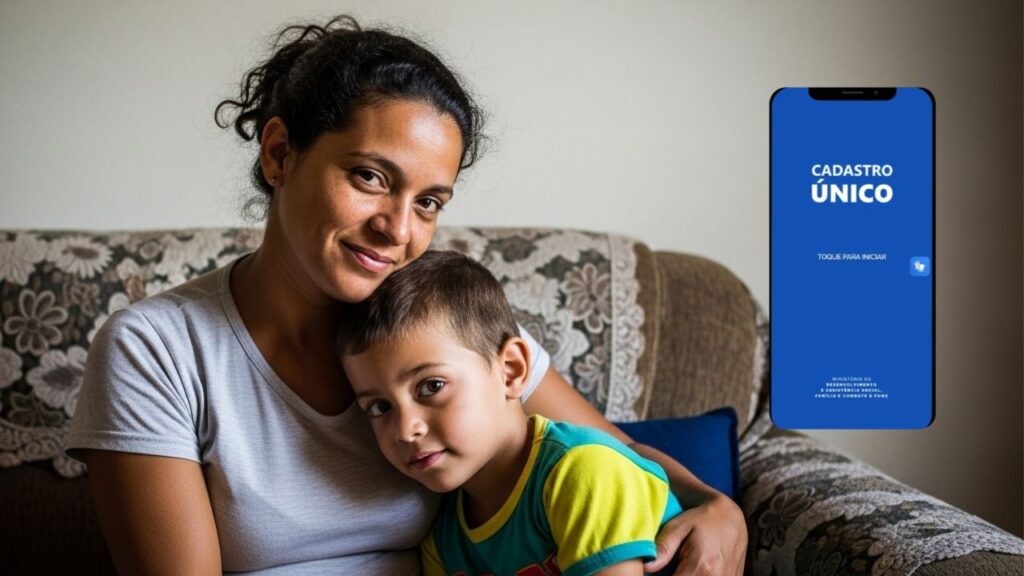
After the access to the application is successfully carried out, you will be able to consult several important information.
Among the data available are usually:
name of the family responsible
📌 registered family members
📌 Social Identification Number (NIS)
📌 situation of the register
📌 date of last update
This information helps to track the registration and verify that the data is correct.
If any information is incorrect, it may be necessary to request an update of the registration.
Tips to avoid problems in access
A few simple actions help avoid difficulties when entering the application.
See some useful recommendations:
🔑 Save the password of gov.br in a safe place
📱 Keep the app always up to date
📶 Use stable internet connection
🔒 Avoid accessing the account on unknown phones
These precautions help ensure a smoother access to the app.
Enter into Single Registration Application it is a simple process when the user has an active gov.br account and knows how to use the login correctly.
With the access made, it is much easier to consult data from the family registration, check the NIS and track information recorded in the system.
Understanding the operation of the login and knowing how to solve common access problems makes the use of the application more practical in everyday life.