Announcements
Losing the loan slip or needing to update a late installment is a common situation for those who have real estate credit. But with the official application of the bank, the customer can issue the 2nd way of the boleto Housing CAIXA, consult installments and generate new charges without having to go to an agency.
How to generate boleto by the application
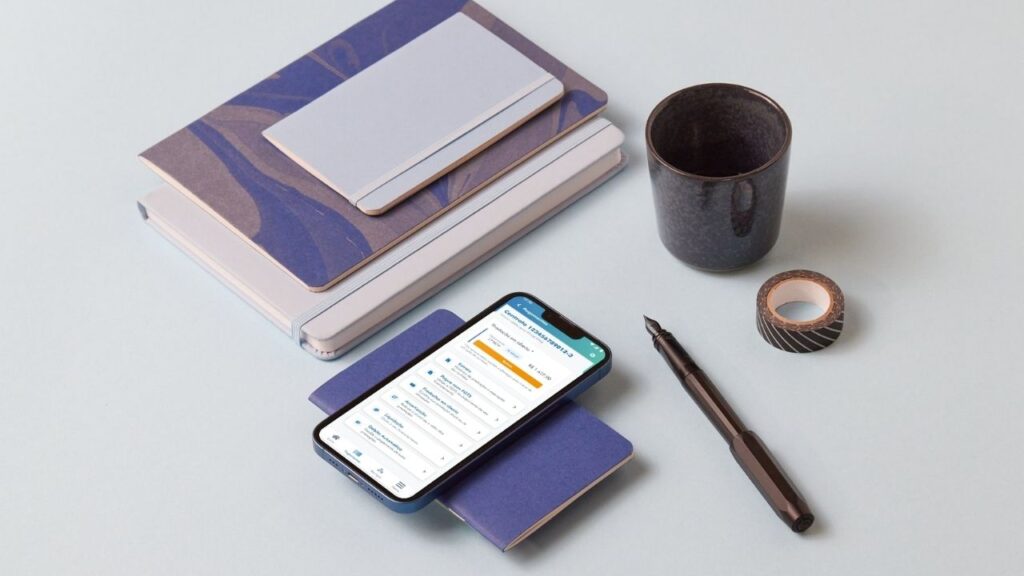
📱 The App Housing CAIXA allows you to generate slips of financing directly by mobile.
If you do not have the application installed yet, you can download it for free in the official stores:
📥 Android (Google Play)
https://play.google.com/store/apps/details?id=br.gov.caixa.habitacao&hl=en
🍎 iPhone (App Store)
https://apps.apple.com/br/app/habita%C3%A7%C3%A3o-box/id958983592
After installing and accessing with your BOX Login, follow this path within the app:
1 Em In “My” funding, tap “More information” to access the housing contract linked to your CPF
2️⃣ Locate and select the button “Boleto”
From this screen, the application shows the options of generation of slips from the financing installments.
💡 This feature allows you to quickly resolve situations such as loss of the ticket or need to pay a late installment.
Where to find tickets in the app
📂 Within the application, the tickets are available in the information of the housing contract.
When accessing the contract from the menu My funding, the user finds the option Boletowhere can you view:
- installments available for payment
- updated values
- boleto barcode.
this area works as an central collection of financing, gathering the installments that can be paid at that time.

How to issue second way of the ticket
🧾 Issue a 2nd via boleto Housing BOX the app is a simple process.
After accessing the contract ticket area:
1️⃣ Choose the desired portion
2️⃣ Generate the billet again
3️⃣ Copy the barcode or view the document for payment
The generated ticket can be paid normally in banking, lottery or internet banking applications.
💡 This function is useful when the original ticket has been lost or when the customer prefers to pay digitally.
How to update expired ticket
⚠️ If the installment is overdue, usually the application allows generate an updated ticket automatically.
The new document already includes:
- interest for late
- fine provided for in the contract
- update of the value of the parcel.
Thus, the customer can regularize the payment directly through the application.
In the video below you can check out more details of the step by step:
How to pay late installments
late installments can also be paid after the issuance of the updated ticket.
After generating the document, payment can be made:
- by the bank's application
- by internet banking
- in electronic boxes
- in lottery houses.
💡 Regularizing late installments helps avoid new charges and keeps financing up to date.
How to issue future installment ticket
in some cases, the application also allows generate slips before the maturity of the installment.
This can be useful for those who want to:
- anticipate payment
- better organize the budget
- pay the installment before the due date.
just access the contract in the app and check if the next installment is already available for issuance.
What to do if the ticket does not appear
if the ticket does not appear in the application, some checks can help:
- check if the login was done with the CPF linked to the contract
- check if the app is updated
- try accessing again later.
💡 Temporary instability of the system may occur at times.
Common problems when generating boleto
Some users may face difficulties when trying to issue the ticket through the application.
Among the most common problems are:
- momentary error in the application
- contract not yet linked to login
- internet connection failure
- outdated app.
✅ In most situations, restart the application or update the installed version usually solve the problem.
How to pay ticket for the bank application
📲 After generating the ticket, the payment can be made directly in the application of your bank.
The process usually works like this:
1️⃣ Access the banking application
2️⃣ Choose the option Boleto payment
3️⃣ Scan the barcode or paste the copied code
4️⃣ Confirm the payment.
💡 This is one of the fastest ways to pay off the financing portion.
Other ways to issue boleto of the Housing Box
🏦 If you can not generate the ticket by the application, there are still other ways to get the charge.
Among the alternatives are:
- CAIXA telephone service
- bank branch
- support through the bank's digital channels.
These options can help when there are technical issues or questions about the contract.
When to seek care from the Box
if the problem persists or there are doubts about the financing, it may be necessary to seek care from CAIXA.
Main channels available:
📞 Hello BOX
Capital cities and metropolitan areas: 4004 0104
Other regions: 0800 104 0104
📞 SAC BOX
0800 726 0101 (24 hours service)
It is also possible to locate face-to-face service at official website.
