Announcements
O TitkTok it is one of the most popular social networks in the world and currently has millions of users. Like any other, the platform allows connections and conversations, but there are still those who have questions about how to send messages and interact with others.
By 2025, this process of sending direct messages (DMs) will be even simpler and safer, as well as having greater privacybelow, see how to use the messaging feature in TikTok to communicate with friends, share videos, and even create group conversations.
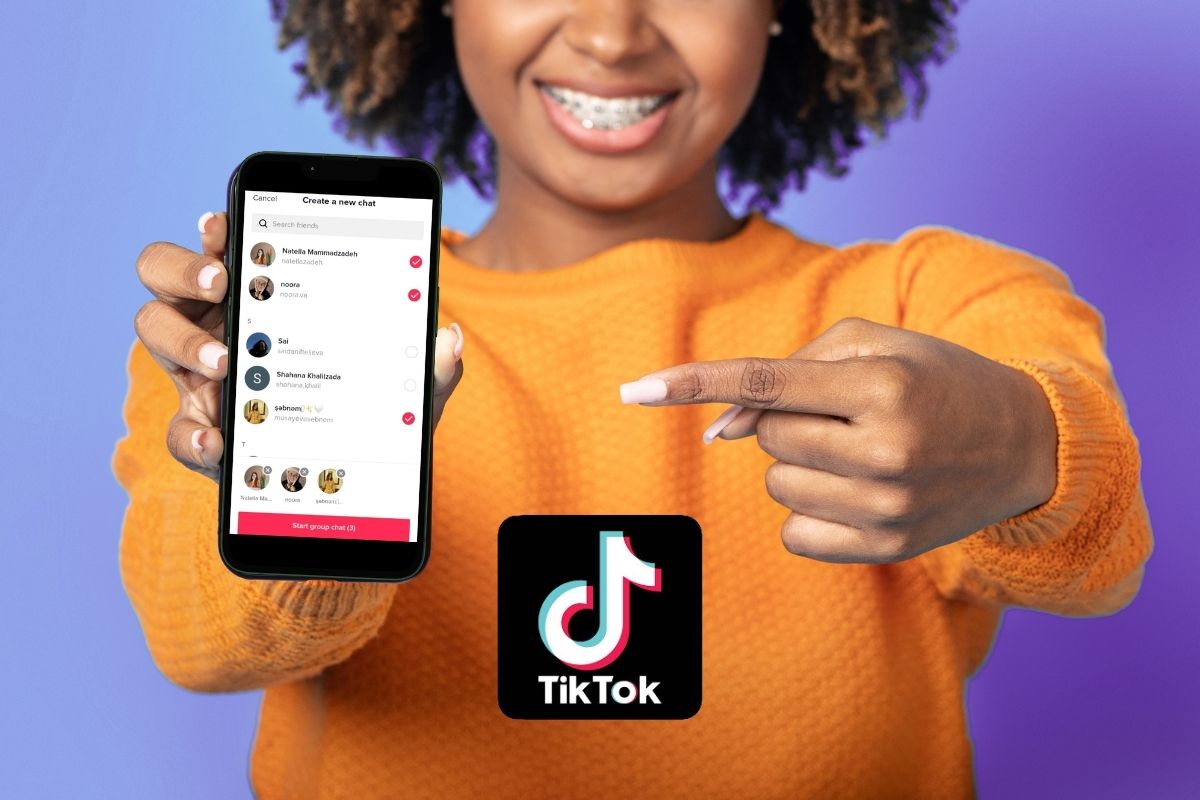
Requirements to use the direct messaging feature
First of all, it is necessary to check whether the account meets the requirements required to send and receive DMs. The app only allows users over the age of 16 to send direct messages. To send requests for messages (when the recipient still does not follow their account & ID, they must be at least 18 years old.
The user must also choose who can contact between the options “All”, “Amigos” (followers that follow) or “Nobody”.
Step by step: how to send messages on TikTok
1. By the recipient's profile
- Access the user profile on TikTok.
- Tap option “Mensagem” in the top right corner.
- Enter your message and click “Send”.
2. Sharing videos or content
- Access the video, sound, effect or hashtag you want to share.
- Tap “Share” and select the friend or group you want to send with.
- Include an optional message and confirm the sending.
3. Using the “ tabINbox in”
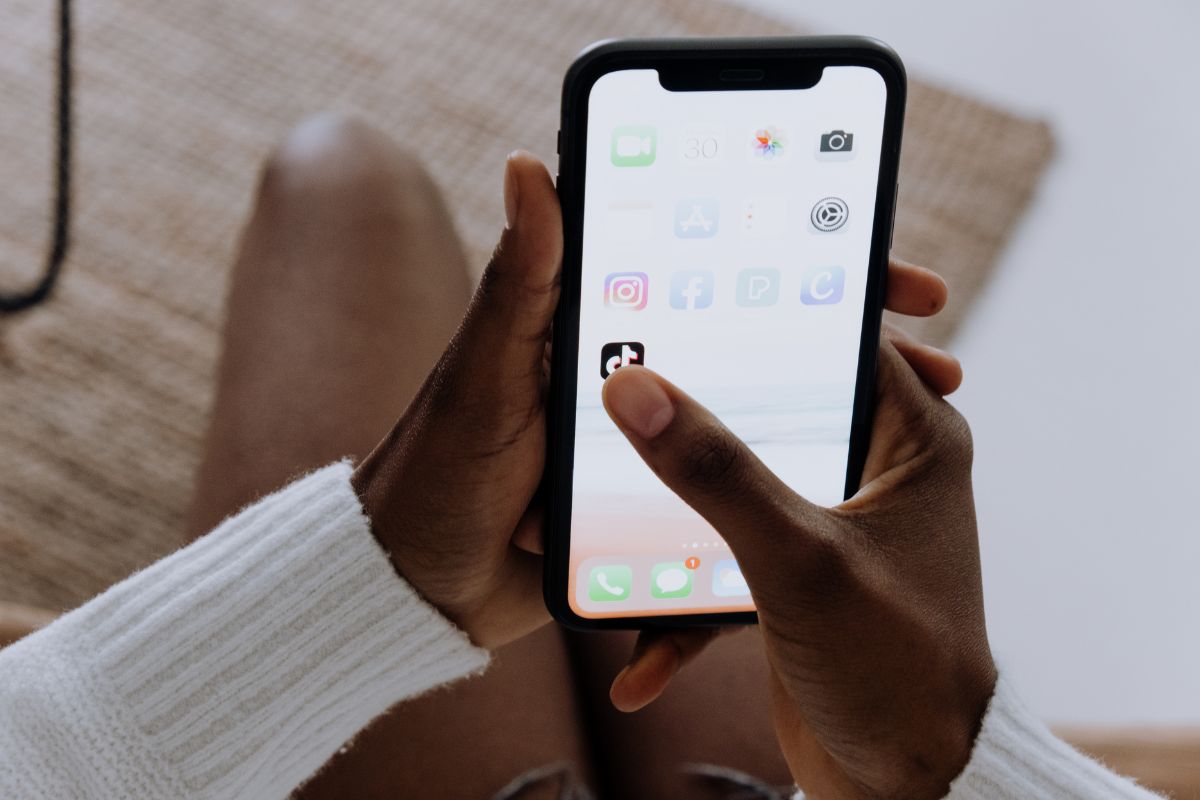
- In the bottom bar of the app, click “Inbox”.
- Tap the paper airplane icon in the upper right corner.
- Choose a recent contact or start a new conversation.
Stickers, GIFs and other features in chat
TikTok offers several ways to customize messages.When you open a chat, you can send emojis and GIFs by accessing the button “Emoji in the message bar. In addition, you can create custom stickers directly in the application.
To create a video sticker:
- Access a chat and click the button “Emoji.
- Tap “Create” adhesive and select a video from your gallery or posts.
- Edit the sticker with text or cuts and finish by clicking “Create” adhesive.
These stickers are saved in the bookmarks tab and can be used in future messages.
Group conversations on TikTok
Direct messaging also includes group functionality, allowing chats with up to 32 participants. To create a group:
- Access a Inbox and click the conversation button in the top corner.
- Choose the friends (mutual followers) you want to include.
- Click on “Start conversation in” group and start the interaction.
You can also create groups directly from videos. In this case, just access a content, click “Share”, select friends and tap on “Send”.
Problems sending messages on TikTok
Some users may experience difficulties when sending direct messages. Among the most common reasons are:
- Privacy settings that block messages.
- Violations of Community Guidelines resulting in temporary or permanent account restrictions.
- Messages that contain inappropriate content or have been flagged by other users.
Direct messages on TikTok are monitored to ensure a safe environment. Accounts can be temporarily suspended for up to 48 hours or, in severe cases, permanently banned.
TikTok has security measures in place to protect your users' direct messages.All messages are encrypted during sending and storage, but not end-to-end, like most chat apps.
Still, the platform offers several possibilities for interaction and privacy control, being one of the most dynamic and secure social networks for online communication.
Maybe you might like: