Announcements
Want to edit photos like a pro using only your mobile phone? It's totally possible and best of all, for free.
Forget expensive and complicated computer programs.The solution is in your pocket.
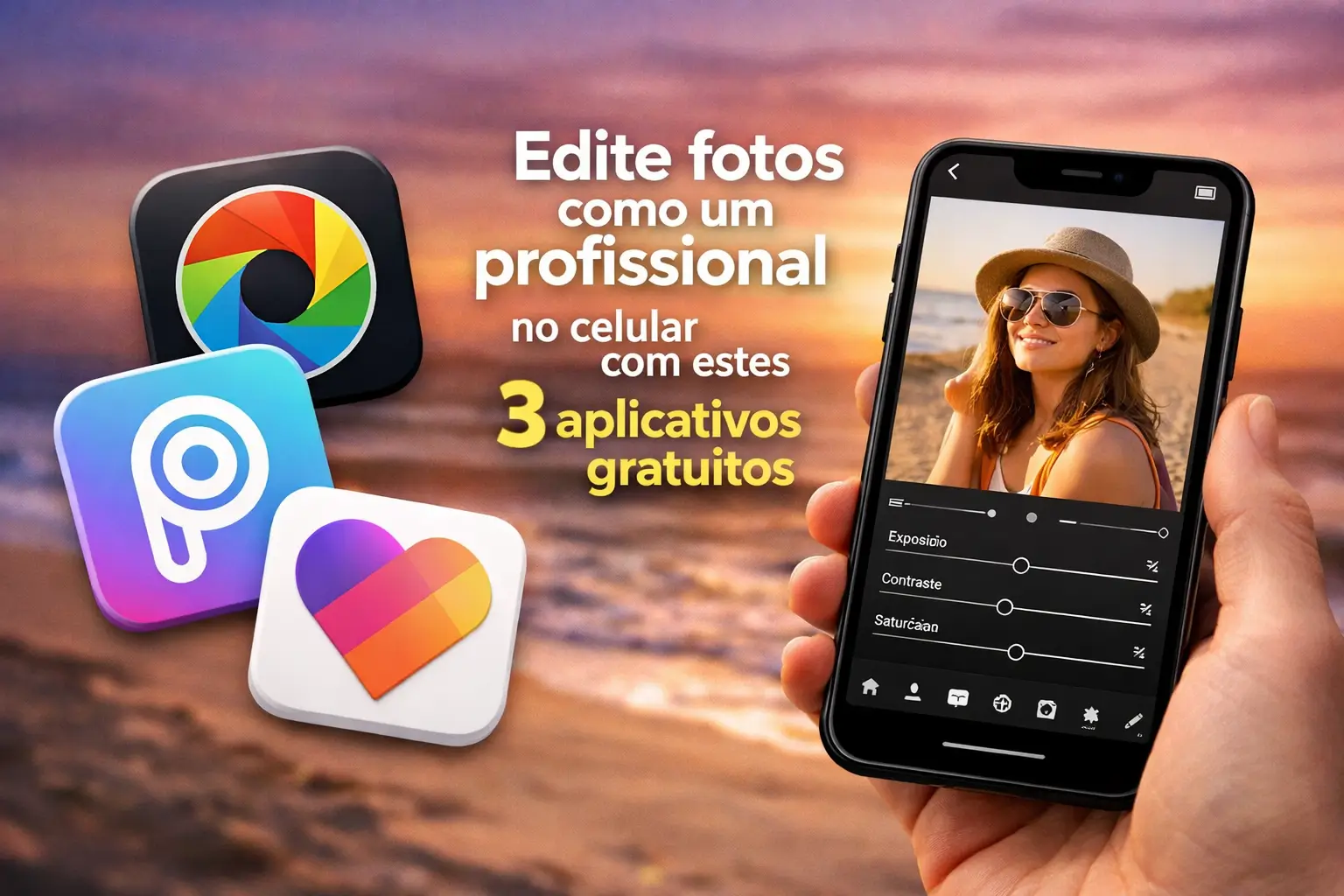
In this guide, we will introduce you to 3 free apps that transform your images. Prepare yourself to have amazing results without spending anything.
Why editing photos on mobile has become the rule?
In the old days, editing a photo with quality required a powerful computer. And software that cost a fortune. Today, the reality is different.
Modern cell phones have fantastic cameras.Often, the quality compares to professional equipment from a few years ago.
You take the photo and, in a few minutes, you can edit it and post it on social networks, such as Instagram or TikTok.
This agility is fundamental for those who create content, have a small business or simply want to share moments with a more capricious look.
1. Adobe Lightroom Mobile: The professional power in your hand
The name Adobe is already synonymous with image editing.And the mobile version of Lightroom does not disappoint, even if it is free.
It is perfect for those seeking total control over every detail of the photo.The light and color adjustments are extremely accurate and intuitive.
It is the ideal choice for amateur photographers who want to evolve and for professionals who need a quick tool in everyday life.
Free resources that make a difference in Lightroom
The free version of Lightroom Mobile is surprisingly robust.See what you can do without paying anything for it:
- Light Adjustments: Full control over exposure, contrast, highlights, shadows, whites and blacks.
- Color Controls: Adjust temperature, hue, vibration and saturation to make colors perfect or create a unique style.
- RAW File Editing: Photographers love RAW format for its flexibility.The free app allows you to import and edit these files.
- Presets (Presets): Apply filters with one tap to give your photos a consistent style.
Gold tip: Always start by adjusting the light.Fixing exposure and contrast is the first step to impact editing.
How to use Lightroom Mobile right now
Using the app is simpler than it sounds. Follow this step by step to start editing your photos in minutes:
- Download the official app: Search for “Adobe Lightroom:” Photo Editor in the Google Play Store (Android) or Apple App Store (iOS).
- Import your photo: Open the app and allow access to your gallery. Choose the image you want to transform.
- Explore tools: In the bottom bar, you will find icons like“Luz”, “Cor”, and “Effects”. Tap each to see the options.
- Make adjustments: Use the sliders to adjust each parameter. Move slowly to see the impact of each change on the image.
An important alert: always download the app from the developer “Adobe Inc.”. Fake versions may steal your data or damage your device.
2. Snapseed: The complete and 100% free editor from Google
Snapseed, developed by Google, is a real Swiss army knife for photo editing.And best of all: it's completely free, without any pranks.
Its interface is very clean and easy to use, which makes it great for beginners.But make no mistake, it has super advanced tools.
It is the perfect tool for those who want fast results, but also want powerful options for more complex edits when they need them.
What makes Snapseed so special?
It stands out for offering features that many other apps charge. See some of its strengths:
- The“Corrective” tool: Removes objects and imperfections from the photo with impressive ease.You know that person who appeared unintentionally? Goodbye.
- Selective Adjustment: Allows you to apply brightness, contrast or saturation at specific points of the image. Want to lighten only one face? It is here.
- Image Expansion: The “Expandir” tool uses artificial intelligence to increase the size of your photo, creating content that did not exist.
- Perspective Correction: Ideal for architectural photos or with crooked lines.It corrects distortions in seconds.
- Works Offline: No need internet to edit. Perfect to use anywhere, anytime.
Snapseed is maintained by Google LLC. When downloading, confirm the developer's name in the app store to ensure its security.
Step by step to use Snapseed
Ready to test the power of Snapseed?It's very easy to get started and see results in practice.
- Install the correct app: Search for “Napseed” in your app store (Google Play or App Store). The developer is Google.
- Open your image: Tap anywhere on the home screen to open a photo from your gallery.
- Access tools: In the bottom menu, tap “Tools”. A grid with dozens of options will appear.
- Try without fear: Use the “Adjust image” tool for basic controls. Then explore “Pincel” and “Correctiva”.
One of the best things about Snapseed is that it saves edits on “layers”. You can go back and adjust or remove any steps at any time.
3. VSCO: Style and filters for unique photos
If you are looking for a striking visual style, VSCO is your best bet.It is famous for its filters that mimic analog photographic films.
It's the darling of Instagram creators VSCO helps you create a consistent visual identity for your feed.
Although it has a paid version with many filters, the free selection is already excellent and allows you to create edits with a very professional look.
Keep an eye: The strength of VSCO is in subtlety.Their filters are made to enhance, not to turn the photo into something artificial.
How VSCO can help you create a style
The great differential of VSCO is the focus on aesthetics. It goes beyond simple technical adjustments.
- High quality filters: The free version offers about 10 presets with varied aesthetics, from vintage to modern.
- Intensity adjustment: You can control the strength of each filter, ensuring that the final result is natural and to your liking.
- Essential tools: In addition to filters, it has all the basic tools such as exposure adjustment, contrast, sharpness and cutting.
- Save “Receitas”: Edited a photo and loved the result?You can save this combination of filter and settings to apply to other images.
To download, search for “VSCO: Video and Photo Editor” and make sure the developer is “VSCO”. The app offers a subscription but is not required.
With these three apps, you have everything you need to get started.Do not wait any longer to give your everyday photos a professional touch.
Maybe you might like: