Announcements
It's hard to close the month in the blue?You're not alone. Putting the accounts in order is a challenge, but technology can be your greatest ally in this mission.
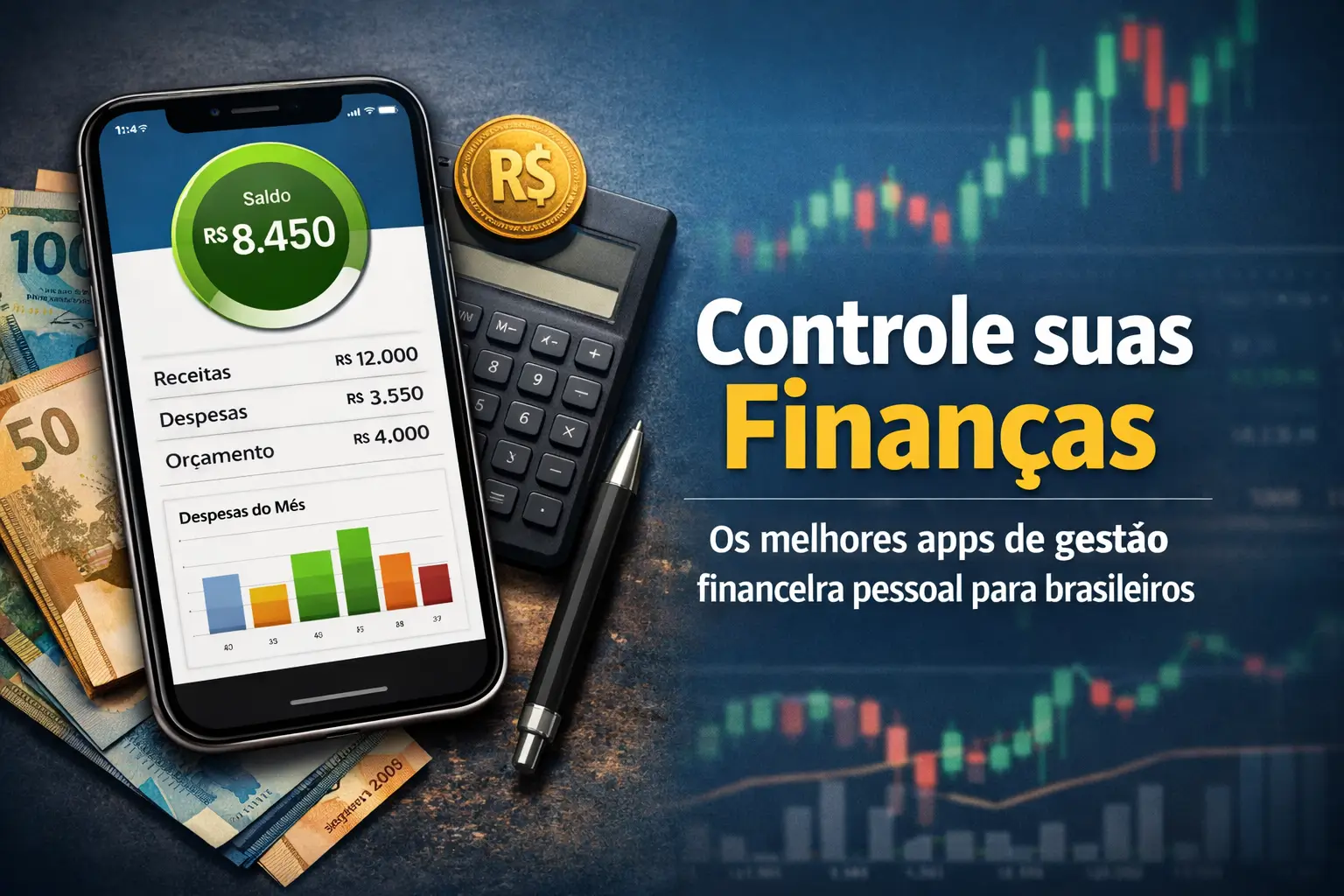
Forget complicated spreadsheets and notebooks.With the right apps, your phone becomes a complete financial control center.
In this guide, we will show you the best financial management apps for Brazilians. And most importantly: how to choose the right one for you and protect yourself from scams.
Why can a financial management app change your game?
The truth is that without knowing where the money goes, it is impossible to take control. It is like driving in the dark. A good app turns on the light.
It automates the boring work of writing down every coffee or paid bill.In seconds, you see a clear map of your spending and earnings.
You figure out where you can cut costs, set realistic goals, and finally start saving for your dreams.
The goal is simple: turn financial anxiety into autonomy.You are in charge of your money, not the other way around.
The best finance apps for Brazilians
The choice of the perfect app depends on your profile. Some are great for beginners, others for those who already invest.
| Appliances | Ideal For | Price |
|---|---|---|
| Mobills | Detailed control and goals | Free (with paid plan) |
| Organize | Simple and intuitive interface | Free trial (after paid) |
| My Economies | Who seeks an option 100% free | Free |
| Guiabolso (Serasa) | Automatic synchronization with banks | Free |
| Jota | Who prefers to use WhatsApp | Free |
Let us understand what each offers in practice.
Mobills: The most complete on the market
It is one of the best known and it is not for nothing. It allows you to control everything: expenses, revenues, credit cards and even investments, all in one place.
Its charts and reports are great for understanding your habits. The free version already helps, but the most powerful features require a subscription.
Organizze: Simplicity is the key
If you are scared by complex apps, Organizze can be your beach.It has a very clean and easy to use interface, ideal for those just starting out.
The focus is to record expenses and revenues quickly, without complication.It offers a free trial for you to see if you like before deciding to subscribe.
My Savings: Free and powerful
This app stands out for being 100% free.It offers features that many competitors charge, such as the dream manager and investment comparator.
It is a great tool for those who want to start organizing their financial life without spending anything more for it.
Guiabolso (integrated to Serasa): Full automation
The great differential of Guiabolso has always been the automatic synchronization with your bank accounts. It pulls your transactions and categorizes them alone.
Now integrated into the Serasa app, it also helps to monitor your CPF and access credit offers. It is a hand in the wheel for those who are lazy to write everything down.
Jota: Financial control by WhatsApp
For those who live on WhatsApp, Jota is a revolution.It uses artificial intelligence to talk to you and organize your finances, all in the messaging app.
With Open Finance technology, it connects your banks and shows balances and transactions in real time.
How to choose the ideal financial application in 5 steps
With so many options, the choice may confuse. In order not to make a mistake, follow this practical script before downloading any application.
- Define your main objective: Do you just want to write down expenses or plan to invest and create long-term goals? Knowing this already eliminates several options.
- Evaluate essential features: Does the app allow you to create custom categories? Does it send alerts of accounts due?Does it have easy-to-understand charts?
- Analyze cost-benefit: Does the free version meet your needs?If it gets paid, the subscription amount fits into your budget and are the extra features worth it?
- Test before committing: Use the app for a few days and see if the interface is friendly to you. The experience needs to be good.
- Check security: This is the most important point. Does the app use encryption? Does it offer biometric login or two-step verification?.
Other options on the radar to organize your accounts
In addition to the giants, there are other very good applications that can fit perfectly into your day to day. Keep an eye on them:
- Monefy: Perfect for those who want to add expenses with just two clicks.It is extremely fast and visual.
- Easy Budget (Fast Budget): Great for those who like graphics and want to sync bank accounts and cards.
- Wisecash Simple and straight to the point, focused on expense tracking and goal setting. Very popular on Android.
- Coinkeeper Uses a different interface, with coins you “drag” to the expense categories. Helps you visualize the budget.
- ZMoney A free alternative that offers visual reports and alerts of accounts payable, with everything synchronized in the cloud.
Be careful: your digital security is more important than the app
The practicality of the apps is incredible, but the security of your financial data needs to be the top priority. Digital scams are a reality in Brazil.
In 2024 alone, losses from financial fraud reached R$ 25.5 billion. So all attention is little. Follow these golden rules.
- Download only from official stores: Use only Google Play (Android) or the App Store (iPhone). Never download links received by message.
- Use strong passwords and biometrics: Enable fingerprint or facial recognition access on your phone and apps. Create unique passwords.
- Enable two-step verification: This extra layer of security makes it very difficult for attackers to access, even if they have your password.
- Beware of public Wi-Fi: Avoid accessing banking or finance apps on open networks of cafes, malls or airports.
- Keep everything updated: Updates to your phone system and apps often fix security holes.Don't ignore these notifications.
- Set transaction limits: Set maximum values for Pix and payments.Some banks offer the “Modo Street”, which limits transactions outside of secure locations.
- Protect your chip with password (PIN): This prevents scammers from using your number on another device to access your accounts.
More common blows and how not to fall into traps
Criminals are increasingly creative. Knowing their tactics is the best way to protect yourself. Watch out for these scams:
Remember: banks and financial institutions NEVER ask for your password by phone, email or WhatsApp.
- Phishing (fake links): You receive an urgent email or SMS about a problem with your account, with a link to “resolver”. The link leads to a fake website that steals your data. Action: Never click. Access the official app or website by entering the address.
- Fake call center: Someone calls claiming to be from your bank, reports on a suspicious transaction and asks you to install an app or make a transfer to “cancel” the operation. Action: Turn it off. Call the official channels of your bank yourself.
- WhatsApp scam: Criminals clone your account or use a friend's photo to borrow money. Action: Never share verification codes.If a friend asks for money, call them to confirm.
- Fake ticket: Scammers send a ticket by email changing the beneficiary's data. You pay and the money goes to the thief. Action: Always check the beneficiary name and CNPJ before confirming the payment.
Don't like apps?There are alternatives for you
If you are not comfortable using apps to manage your money, there is no problem at all. The most important tool is discipline.
Traditional methods remain very effective.A good old spreadsheet on the computer (like Excel or Google Sheets) can work wonders.
Even a notebook, used consistently, fulfills the role of recording all inputs and outputs.
The best method of financial control is the one you actually use. Find what works for your routine and be true to it.
Now that you have the information, the next step is yours. Choose a tool, start small, and celebrate each progress on your financial journey.
Maybe you might like: