Announcements
The spy app is used on mobile phones to access personal information of users without consent. These threats can compromise from messages and photos to the camera and microphone of the device. But how to protect yourself from this type of threat?
To avoid this type of invasion, it is essential to know the attack methods and the available protection measures.The following is how these applications work and how to protect the phone against this type of espionage.
How a spy app works

Spy apps, also called spywares, are programs that monitor cell phone activities without the user noticing.
They can record messages, calls, browsing history, real-time location, and even activate the camera and microphone of the device.
Installation usually takes place in two ways: manually, when someone with physical access to the device installs the application, or remotelythrough techniques such as phishing ^where the victim is induced to click on malicious links that perform the program installation.
Although the remote method is more sophisticated and rare, face-to-face attack is more common, often committed by close people, than by a close friend as partners or co-workers.
Signs that your phone may be being monitored
Detecting the presence of a spy app is not always simple, but there are signs that may indicate a possible invasion. Among the main indications are:
- Appearance of unknown applications: regularly check the list of installed applications and their permissions, and especially for camera, microphone and storage.
- Excessive battery and mobile data usage: spywares they operate in the background, consuming more power and internet than normal.
- Messages read automaticallyif conversations appear as read without you having accessed it, it can be a sign of espionage.
- Camera or microphone activated for no reasonicons indicating the use of these features without you having opened a related application can be an alert.
- Difficulty uninstalling programs: spywares they often hide and prevent manual removal.
If you notice any of these signs, it is important to take some steps to stop being spied on by whoever.
Main risks and how to protect the cell phone
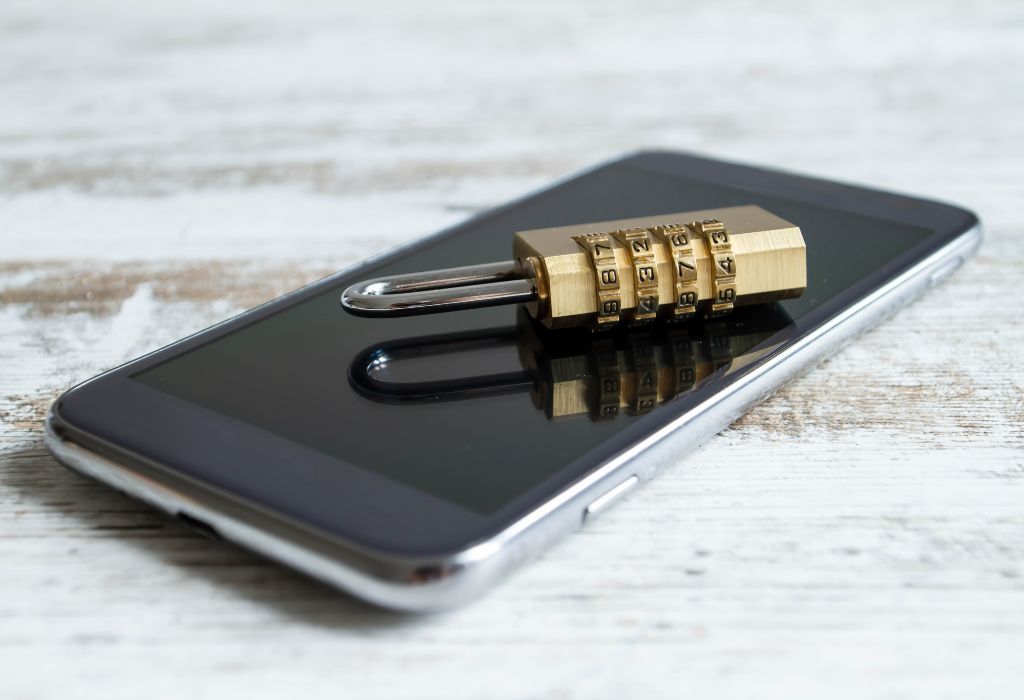
Installing a spy app poses significant risks to the privacy and security of users.
In addition to allowing the theft of sensitive information such as passwords and bank details, these programs can be used for extortion or psychological crimes, such as as is the case with abusive relationships.
To minimize these risks, follow these safety recommendations:
- Keep operating system up to datemanufacturers like Apple and Google release frequent updates to fix potential loopholes that could make your phone less secure.
- Download apps only from official stores: avoid installing programs from unknown sources or from links received by messages.
- Use strong passwords and two-factor authentication: this makes it difficult for you to gain unauthorized access to your device and your online accounts.
- Do not click on suspicious links: scammers often use fake messages to trick victims into installing spywares.
- Install a reliable antivirus: security programs can help identify and remove suspicious applications.
- Check permissions of applications: adjust settings to limit app access to information, and tools like camera, microphone, and location.
If your phone is suspected to have already been infected, then ideally, you should seek out a digital security expert for a complete analysis of the device.
In addition, registering a police report may be necessary, as unauthorized spying is a crime.
Maybe you might like: