Announcements
If you still do not use the FGTS App, you may be losing quick access to your Guarantee Fund balance or even the opportunity to request available withdrawals.
How to download the FGTS App on mobile
The first step to accessing your FGTS from your mobile phone is to install the official app.
It is available for free in major app stores and can be used on Android or iPhone phones.
See how to download:
📱 On Android mobile
1️⃣ Open the store Google Play Store
2️⃣ Search for FGTS
3️⃣ Check if the developer is Federal Economic Box
4️⃣ Click Install
👉 Android: https://play.google.com/store/apps/details?id=br.gov.caixa.fgts.worker&hl=en_BR
📱 On iPhone (iOS)
1️⃣ Open the App Store
2️⃣ Search for FGTS
3️⃣ Confirm that the application is official from the Cashier
4️⃣ Tap Get
👉iOS: https://apps.apple.com/br/app/fgts/id1038441027
⚠️ Attention: always check that the application is the official one to avoid installing fake versions.
Once installed, the next step is to create your account in the app.
How to register in the FGTS application
After opening the application for the first time, you will need to create a registration to access your information.
The process takes only a few minutes. Here's how to do:
1️⃣ Open the FGTS app
👉 Android: https://play.google.com/store/apps/details?id=br.gov.caixa.fgts.worker&hl=en_BR
👉iOS: https://apps.apple.com/br/app/fgts/id1038441027
2️⃣ Tap Login to the app
3️⃣ Inform your CPF
4️⃣ Fill in your personal data
5️⃣ Create a access password
During registration, the system may request some security confirmations to validate your identity.
These steps are important to ensure that only the account holder has access to FGTS information.

How to create password and access your account
After you have finished registering, you will need to create a password to access the application.
This password will be used each time you open the app.
Some important recommendations:
Choose a password that is easy to remember but difficult for others to guess
🔒 Avoid using birth dates or simple sequences
do not share your password with third parties
After creating the password, simply:
1️⃣ Inform the CPF
2️⃣ Type a registered password
3️⃣ Access the application
On some phones, the app also allows you to enable biometrics or facial recognitionwhich makes access even faster.
Information required to access the application
During registration or first access, the application may request some information to validate your registration in the system.
Among the most common data are:
CPF
🔷 Full name
🔷 Date of birth
🔷 Mother's name
🔷 City of birth
This information is used to confirm that access is being made by the account holder.
If any information is not recognized by the system, it may be necessary to update your registration data.
Common issues when creating account in FGTS App
Some people face difficulties during registration or at the first access to the application.
The most common problems include:
CPF not recognized
❌ error when creating password
❌ application does not allow to complete registration
❌ connection failure
In most situations, these difficulties can be solved with a few simple actions.
Some solutions include:
update the application to the latest version
✔ check internet connection
check that the data provided is correct
try again after a few minutes
If the problem continues, you may need to update your registration data in the system.
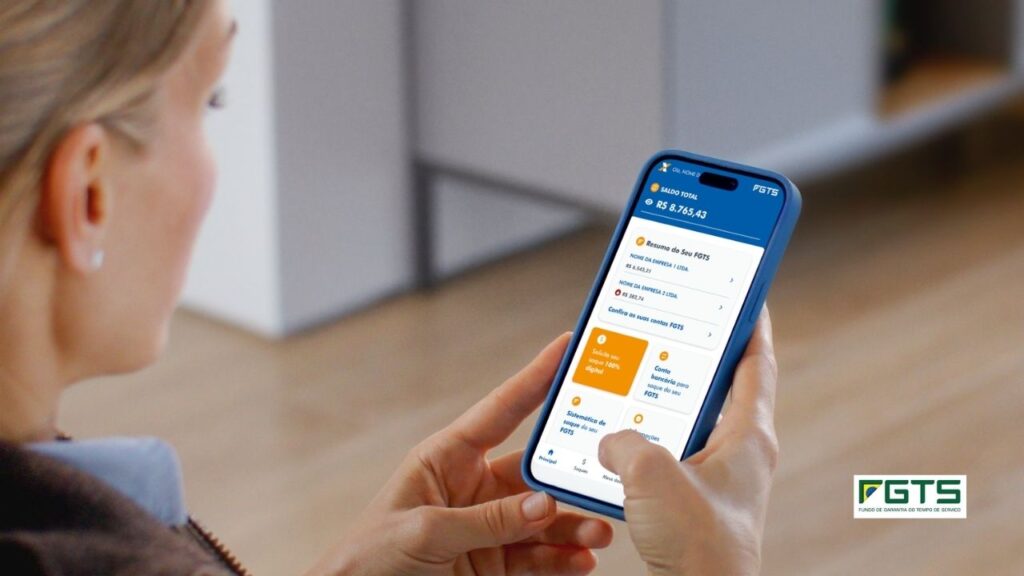
Security tips when using the FGTS App
Because the app contains important financial information, some precautions help keep your account protected.
See some recommendations:
never share your password with other people
do not install apps outside the official stores
avoid accessing your account on public Wi-Fi networks
🔐 Keep the app always up to date
These simple measures help prevent improper access and ensure greater security in the use of the application.
What to do after installing the app
Once the app is installed and your account is active, you can now access several important functions.
Among them:
🔶 consult FGTS balance
🔶 check company deposits
🔶 accompany extracts
checking old accounts
request available withdrawals
Many people install the application only to check balance, but end up discovering other useful features to accompany the Guarantee Fund.
Downloading and installing the FGTS App is a simple process, but it can greatly facilitate access to the information of the Guarantee Fund. With a few steps, the worker starts to have on his mobile a complete panel with balance, statement and services related to FGTS.
Having this quick access helps you track deposits, better understand the available amounts and use the app whenever you need to consult or move your FGTS.