Announcements
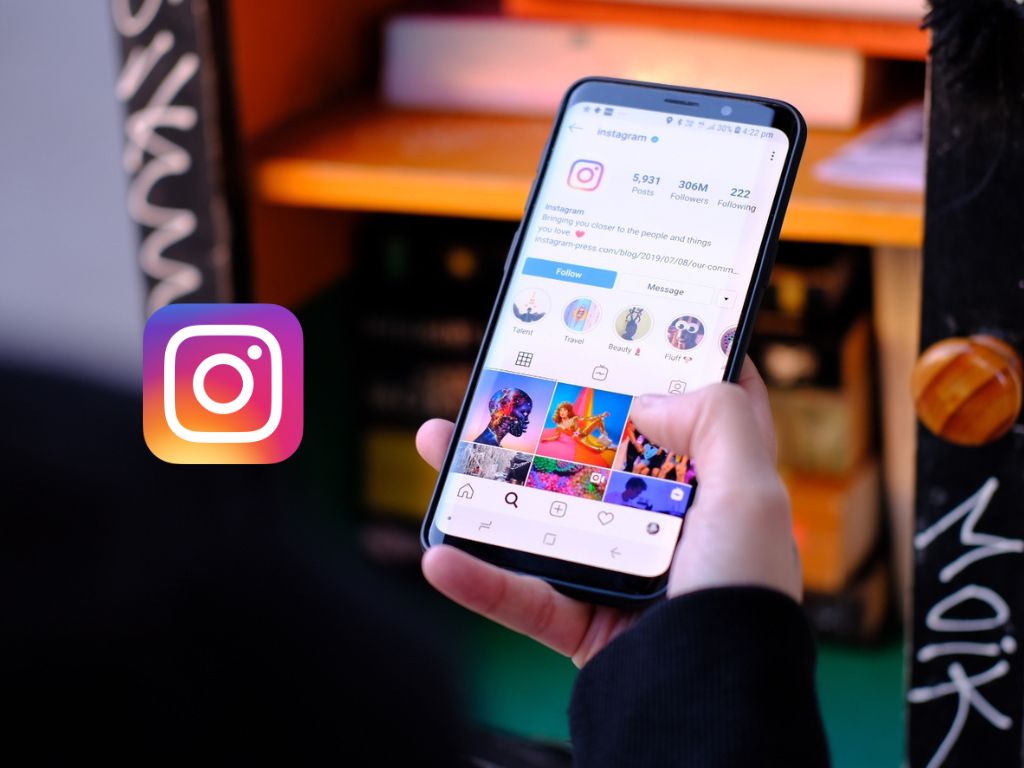
The Instagram it does not offer an official tool to download Stories from other users.In return, there are several free solutions that allow you to do this quickly and safely.
The process can be done both on the computer and on the mobile phone, using specialized websites or applications. But it is important to note that it is only possible to download Stories from public profiles.
Online Tools to Download Stories
Nowadays, many websites allow you to download Instagram Stories in a simple way and without the need for software installation.
Following are some of the most popular options.
SaveFrom.net
O SaveFrom.net it is one of the most used sites to download Instagram Stories and Highlights. It works both on PC and mobile devices.
Check out the step by step to download Stories:
- Access the site SaveFrom.net.
- Enter the user name and click “Download”.
- See the available Stories and click “Download” again to save the content to your device.
- To download Stories from Highlights, click the Featured button you want and use the download button.
Snapinsta
Another reliable tool is the Snapinsta, which allows you to download Stories from the link of the publication. See the step by step:
- On Instagram, copy the link to the desired Story.
- Access the Snapinsta.
- Paste the copied link into the indicated field.
- Click on “Download” to save the Story.
StorySaver and Save Free
Other free alternatives that work similarly to SaveFrom.net are StorySaver and the Save Free. O step by stepit's the following:
- Access the chosen website.
- Enter the Instagram user name.
- Confirm if Stories are available.
- Click “Download” to save the file
Download Stories Using the Publishing Link
Some tools they allow you to download Stories using the direct link of the publication. To copy the link of a Story on Instagram, follow the steps below:
- Access the desired Story in the Instagram app.
- Tap the share icon (looks like a paper” “gaivota).
- Choose option“Copy link”.
- Paste the link into the download tool you choose and follow the instructions to download Story.
Apps to Download Instagram Stories on Mobile
In addition to online tools, there are several apps that can be downloaded from the Play Store and App Store to download Stories directly from your mobile phone. Among the most popular are:
- Story Saver for Instagram (iOS)
- Regrann (Android)
- FastSave for Instagram (Android and iOS)
- Repost for IG: Posts & Stories (Android)
Installing and using these apps is simple and intuitive, usually by following the following steps:
- Download the desired application from the official store (Google Play or App Store).
- Enter your Instagram username or log in as needed.
- Choose the Story you want to download.
- Save the file directly to your mobile phone.
Download Stories from Instagram Private Accounts
None of the tools mentioned above it allows you to download Stories from private accounts.Some applications promise this functionality, but in general, they ask for user login and password, which can compromise account security.
Experts recommend that users avoid providing your credentials to third party services, such as there is no guarantee that these apps will protect personal data.
Maybe you might like: