Announcements
O Google it has made available another service, this time aimed at users who have suffered from the loss of the phone Find My Device, tool that allows you to locate not only smartphones, but also other compatible items such as headphones, keys and Bluetooth trackers.
The feature is available on devices Android starting with version 9, and is currently seen as one of the best tools in the segment.The following is more about Find My Android Device.
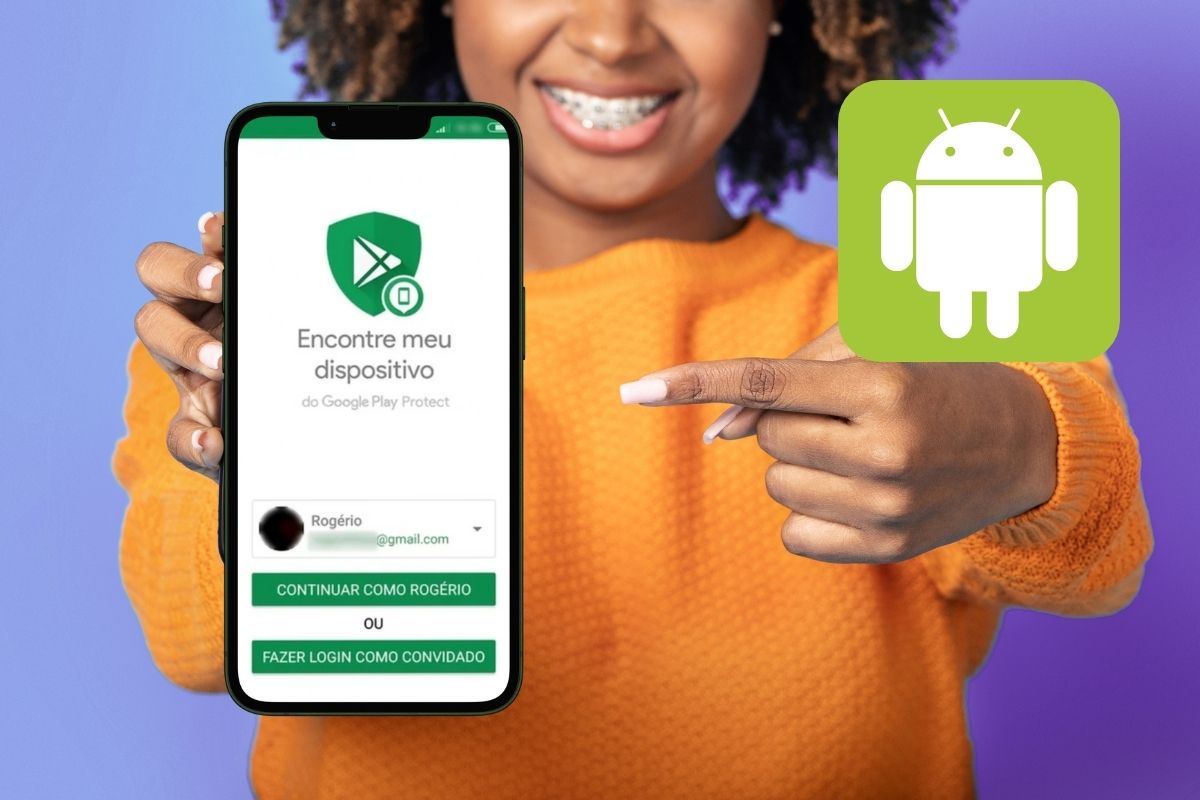
irene Find My DEVICE’ for Android
Find My Device is a feature built into Android devices that lets you track appliances lost or stolen.It utilizes a global network made up of billions of Android devices, which help each other locate items.
In addition to smartphones, the service is compatible with Bluetooth accessories and trackers that display the “ stamp Works with Android”, such as earphones and tags.
How to use Find My Device
Learn about the different features available by Find My Device to recover your belongings:
- Offline Location: Models like the Pixel 8 can be located even without internet or with the battery drained.
- Find Upcoming Items: Through the “Find Nearby” button, you can identify the exact location of nearby devices.
- Sound emission: The device can sound for up to 5 minutes, even in silent mode.
- Remote lock: If the device has been lost or stolen, you can lock it and display a personalized message on the screen for those who find it.
- Remote data erasure: For irreversible situations, it is possible to permanently erase all information from the device.
How to activate and configure the feature on Android
The process to set up Find My Device is simple and can be done directly on your phone or on another device:
- Access the site google.com/android/find or download the app from the Google Play Store.
- Log in to the same Google account used on the lost device.
- Enable the “Require Login” function in the application to ensure that biometric authentication is enabled.
- Make sure that GPS and location permissions are enabled on the device.
- For offline tracking, enable the function on compatible devices such as the Pixel 8.
If the lost device is nearby, the sound-emitting feature can be used to quickly locate it. Otherwise, the map will display the most recent location recorded by the device.
Maybe you might like: