Announcements
Many people still have questions about how to print the Digital Workbook or save a copy of the document to send when necessary. Today, the digital wallet can be exported in PDF directly through the application or through the government portal, allowing to save, share or print the professional data.
How to generate the PDF of the Digital Workbook
The first step to print the Digital Workbook is generate the document in PDF format.
This can be done by the application or by the web version of the digital wallet. Below, you can check the step by step for each of the options.
📱 By the app
If you do not have the application installed yet, you can download it from the official stores:
📲 Android (Google Play)
https://play.google.com/store/apps/details?id=br.gov.datarev.carteiradigital
🍎 iPhone (App Store)
https://apps.apple.com/br/app/digital work-portfolio/id1295257499
After entering the app:
1️⃣ Access your account using CPF and password gov.br
2️⃣ Go to the option “Send Workbook”
3️⃣ Choose the data you want to export
4️⃣ Tap the option generate or share document
✨ Ready! The system will automatically generate a PDF file with your wallet records.
🌐 By computer
This can also be done via the browser.
🔗 Access the official service:
https://www.gov.br/en/services/obter-a-carteira-de-labour
Basic steps:
1️⃣ Click “Initiate”
2️⃣ Do login with gov.br
3️⃣ Access the area of Digital Work Portfolio
4️⃣ Click on the option Print Wallet
The system will generate the PDF document for download.
How to save the digital wallet on your phone
📱 After generating the PDF, you can save Digital Work Card on mobile to access when you need it.
Some common options are:
- save on downloads folder
- store in Google Drive or iCloud
- save in document applications
💡 Keeping a saved copy can make it easier to send the document quickly when prompted.
How to share digital wallet data
Another advantage of the digital version is the ease of sharing.
After generating the PDF, you can send the wallet by:
- messaging apps
- cloud storage services
This feature is often used when companies ask for it proof of professional experience or history of ties.
When it may be necessary to print the wallet
even though it is a digital document, there are situations where it can be useful print Digital Workbook.
Some examples include:
- sending documentation in selective processes
- proof of professional experience
- organization of personal documents
- delivery of work records for analysis
✨ In most cases, however, the PDF file itself is sufficient.
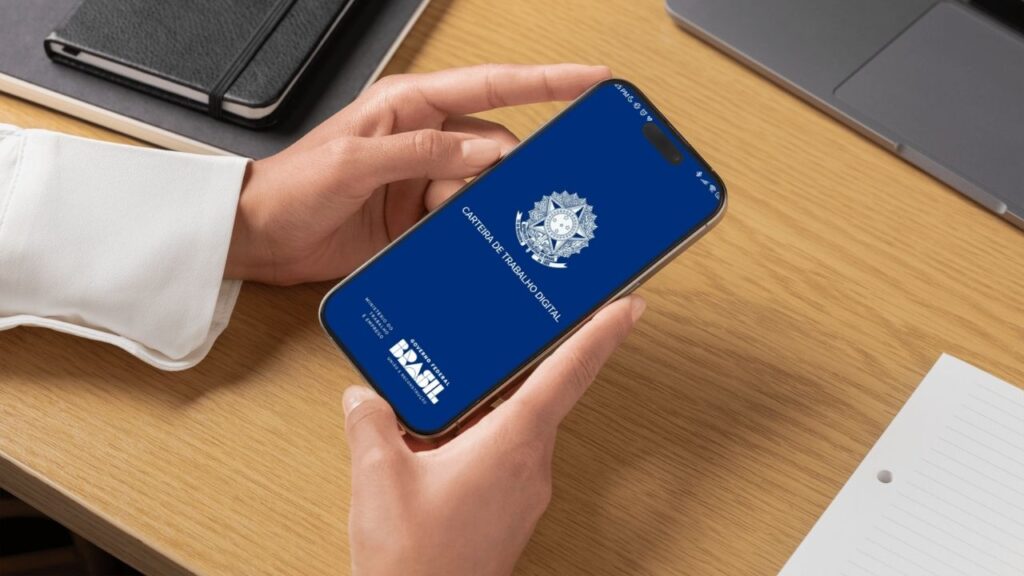
Difference between digital wallet and physical wallet
The Digital Workbook has replaced much of the paper wallet functions, but there are some important differences.
| Digital Wallet | Physical Wallet |
|---|---|
| Accessed by the app or internet | Paper document |
| Records made electronically | Annotations made manually |
| Quick consultation of contracts and professional data | Used primarily for old ties |
📌 Important: Even with the digital version, the official guidance is store the old physical wallet, because it may be necessary to prove previous links to the digital system.
knowing how to print the Digital Workbook can make it much easier when you need to prove your professional experience or send work documents. With a few clicks, you can generate a PDF of the wallet, save on your phone or share with companies and institutions.
✨ And the best: the whole process can be done directly by mobile phone or computer.
In the next piece of content, you will see how to fix errors in Digital Workbook, if you find incorrect information in your work records 👇.