Announcements
Today, much of the information about work can be accessed directly by mobile. Therefore, many people seek to know how to download the Digital Workbook app to consult contracts, track benefits and verify your professional records. Installation is free and can be done in a few minutes.
Where to download the official Digital Workbook app
📥 The official app is only available in the official app stores. Downloading through these platforms ensures that you are installing the correct and secure version of the government.
Use official links:
📱 Android (Google Play)
https://play.google.com/store/apps/details?id=br.gov.datarev.carteiradigital
🍎 iPhone (App Store)
https://apps.apple.com/br/app/digital work-portfolio/id1295257499
🌐 It is also possible to access information about the service on the official portal:
https://www.gov.br/en/themes/work-to-digital wallet
⚠️ Attention! Avoid downloading apps outside of these stores.Fake apps can compromise your personal data.
Step by step to install the app on mobile
if you want to know how to download the Digital Wallet app, follow this simple step by step:
📌 1️⃣ Open the app store on your phone
- Android: Google Play Store
- iPhone: App Store
📌 2️⃣ Search for the application
Type “Digital Workbook” in search.
📌 3️⃣ Check if it is the official app
The app is developed by Services and Information of Brazil.
📌 4️⃣ Tap “Install” or “Obter”
The download will start automatically.
📌 5️⃣ Wait for installation
Once the download is finished, the app will appear on your mobile screen.
✨ By following these steps, you will have already completed the process of how to download the Digital Wallet app.
How to access the app for the first time
after installation, the next step is to access your account.
When you open the app for the first time:
📱 1️⃣ Read the application home screens
They quickly explain the main functions.
📱 2️⃣ Tap “Enter with gov.br”
This is the login option used in government services.
📱 3️⃣ Enter your CPF
📱 4️⃣ Enter the password of your gov.br account
👉 If you do not already have a registration, you can create the account during the process. Here you can check how to create your gov.br account.
📢 After login, the application will display your registered professional information.
Common problems when downloading the app
⚠️ Some difficulties may happen during the download or installation of the application.
See the most common problems:
❌ Incompatible cell phone
The app works only on android smartphones or iPhone.
❌ Lack of space on the mobile phone
If the storage is full, the download may fail.
❌ Unstable internet
A weak connection can interrupt the download.
❌ Fake or incorrect application
Downloading from the official stores can lead to the installation of unreliable apps.
📌 Always check if the app is the official one before installing.
Tips for using the Digital Wallet app
after learning how to download the Digital Wallet app, some tips can help you use the app.
✅ Keep the app up to date
Updates correct errors and improve security.
✅ Always use your official gov.br account
It allows access to various digital public services.
✅ Check your data regularly
This way you can identify possible inconsistencies in the records.
✅ Keep your old physical wallet
It may still be necessary to prove old work ties.
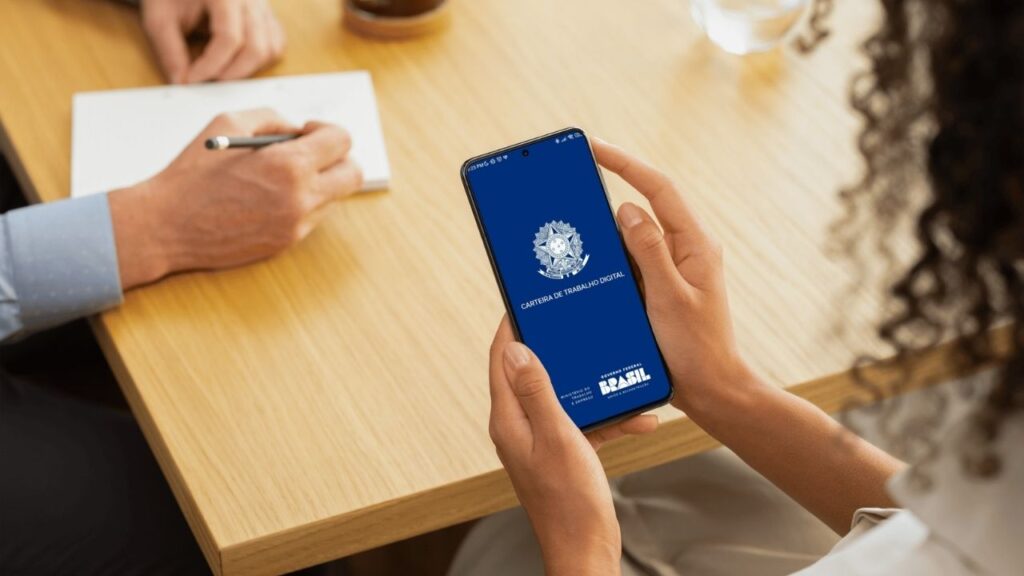
The app acts as a digital dashboard of your professional life.
knowing how to download the Digital Workbook application is the first step to follow your professional life in a practical way. With the app installed, you can consult employment contracts, access benefits and track movements recorded by the employer.
✨ All this without having to carry the physical wallet.
