Announcements
Need to show the vehicle document and realized that you do not know where to access the CRLV? This happens to many drivers since the document began to be made available mainly in digital format.
How to issue CRLV Digital now?
The CRLV Digital is automatically released after the vehicle is regularized. This means that the document no longer needs to be requested manually: the system simply provides access when all debits are paid.
Before the issue, the system checks for vehicle-related issues. Among the main ones are:
IPVA of the current year or previous years
fines registered in the vehicle
🚫 Annual licensing fee
administrative restrictions
If any of these pending issues exist, the document is not released.
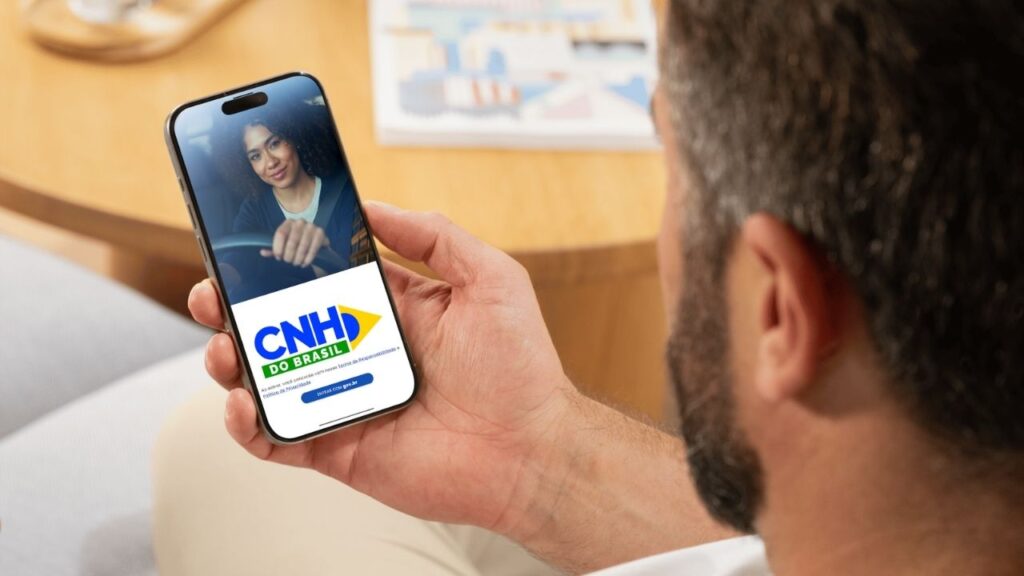
When everything is regularized, CRLV can be accessed by the application CNH of Brazil, which gathers driver and vehicle documents in one place.
This application allows you to view the document safely and use it during inspections.
👉 Android: https://play.google.com/store/apps/details?id=br.gov.serpro.cnhe&hl=en_BR
👉 IOS: https://apps.apple.com/br/app/cnh-do-brasil/id1275057217
Step by step to send the Digital CRLV by mobile
If the vehicle is already licensed, access to the document is simple.
1️⃣ Install the CNH app from Brazil: The app is available for free for Android and iOS phones.
👉 Android: https://play.google.com/store/apps/details?id=br.gov.serpro.cnhe&hl=en_BR
👉 IOS: https://apps.apple.com/br/app/cnh-do-brasil/id1275057217
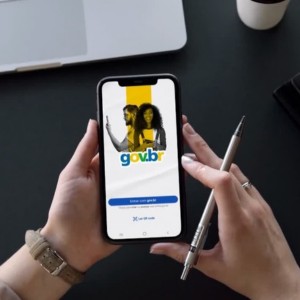
2️⃣ Log in with your gov.br account: You will need to sign in with your gov.br account to access the documents linked to your CPF.
If you do not have a registration yet, it will be possible to create quickly during the process.
3️⃣ Add vehicle to the app: To locate the vehicle document, you will need to inform:
📄 vehicle plate
RENAMAM
This information can be found in the car document or consulted on the Detran website.
4️⃣ Visualize CRLV Digital: After linking the vehicle to your account, CRLV will automatically appear in the app.
From that moment you can:
📌 view the document on mobile
📌 present the document in inspections
download CRLV in PDF
keep the document available offline
How to check if the CRLV has already been released
Many people search for the document in the app and cannot find it immediately. This does not necessarily mean that there is a problem.
In some cases, the document has not yet been released by the system.
To confirm the vehicle situation, there are two simple ways of consulting.
🔎 Consultation by the application
Within the app CNH of Brazil, the system automatically shows the documents available for the linked vehicle.
If the CRLV is already released, it will immediately appear in the list of documents.
If it does not appear, it usually means:
- there is some debt pending
- the payment was made recently and the system is still updating
🔎 Consultation by the Detran website
Another way to check the document situation is by accessing the Detran portal of your state.
Normally it will be necessary to inform:
📄 vehicle plate
RENAMAM
This query allows you to verify:
- licensing situation
- recorded debts
- CRLV release confirmation
Does CRLV Digital work without internet?
Yes. After the document is uploaded to the application, it can be presented even without an internet connection.
This is because the document is stored on the phone itself.
This functionality is important especially in situations such as:
➡️ inspections on highways
locations without internet signal
temporary connection problems
Therefore, whenever the document is released, it is worth opening the application and ensuring that it is loaded on the device.
How to share CRLV with another driver
Another little-known feature is the sharing the vehicle document.
The owner can allow other drivers to have access to the Digital CRLV directly on the mobile phone.
This is useful in many everyday situations:
family members using the car
vehicles used by employees
cars shared between drivers
Within the application it is possible to share the document with up to five people.
Thus, each authorized driver can access the CRLV on their own mobile phone when they need it.
Common problems when trying to issue CRLV
Even though it is a simple process, some factors can prevent access to the document.
Among the most common problems are:
unpaid annual licensing
❌ Pending fines linked to the vehicle
❌ Incorrect information when adding the vehicle
system not yet updated after payment of debits
When the payment has been made recently, it may take some time before the system recognizes the regularization and releases the document.
Tips to keep the document always accessible
Some simple precautions help to avoid unforeseen events when presenting the document.
Open the app periodically to keep the data up to date
download the document on your mobile phone whenever it is released
keep your gov.br account active and up to date
regularly check if there are debts in the vehicle
These actions help ensure that the CRLV is always available when needed.
Issuing and consulting the CRLV Digital has become much simpler with the scanning of traffic documents. With a few steps, the driver can access the document directly on the mobile phone and present it whenever necessary.
Keeping the vehicle regularized and knowing exactly where to find the document avoids delays, fines and unexpected situations during inspections.