Announcements
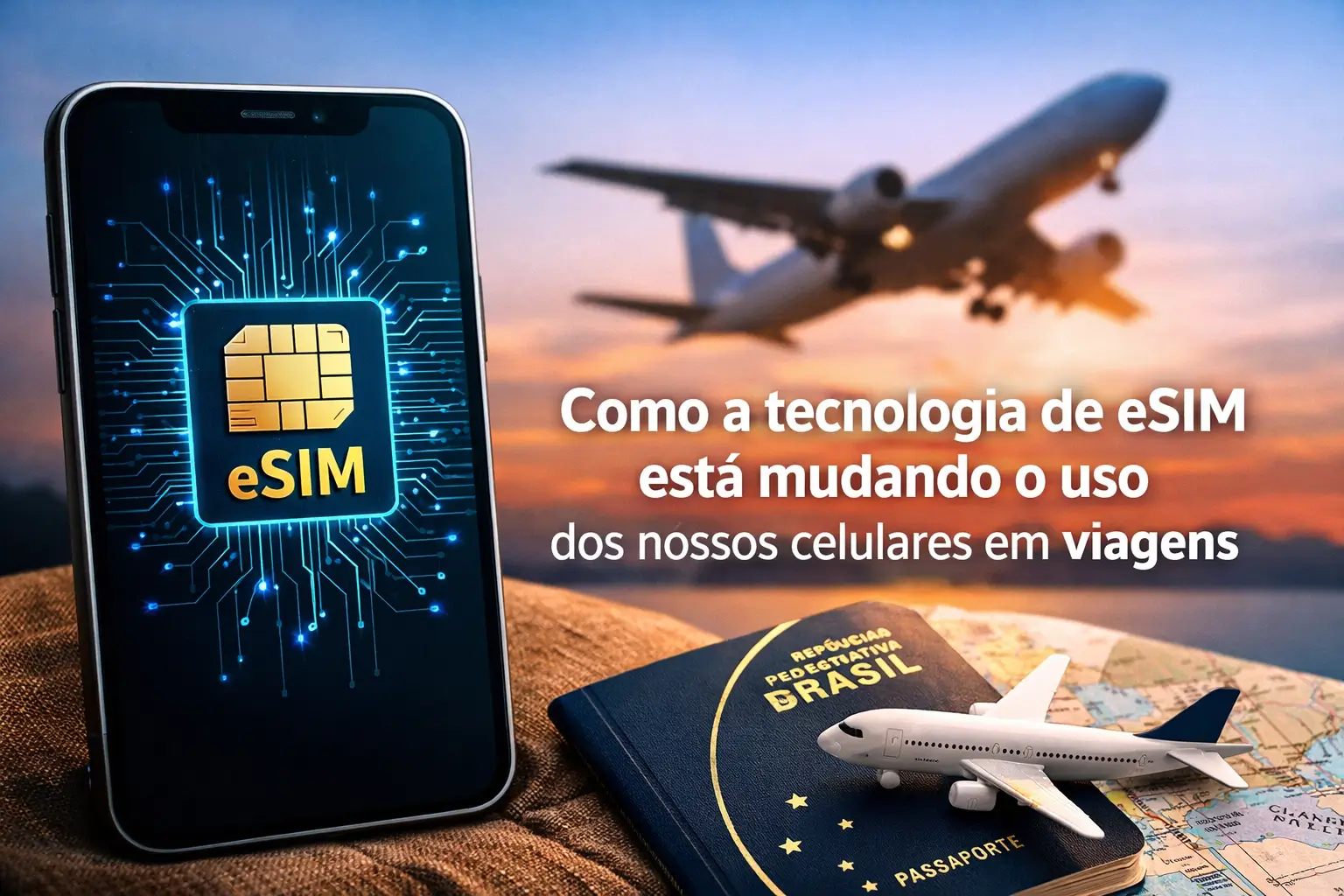
Traveling abroad and running out of internet is a thing of the past esim, or virtual chipit is changing the game for Brazilians.
It allows you to connect to the internet as soon as the plane lands.All without having to change the physical chip of your cell phone.
In this complete guide, you will learn how to use this tool.Find out how to save, have more security and never go through connection perrengue again.
What is eSIM and how does it save your trip?
Think of the eSIM as a cell phone chip that has already come from the factory inside your device fully digital and eliminates the need for plastic card.
The acronym eSIM stands for “embedded SIM”, or embedded SIM. In practice, it is a tiny component welded onto the motherboard of your smartphone.
The magic happens when you buy a data plan over the internet.Instead of receiving a chip in the mail, you get one QR code by e-mail.
You scan this code with the camera of the cell phone and in seconds a new data plan is installed on your device.
This means you can keep your Brazil number active on the physical chip. And at the same time, use eSIM only for internet abroad.
The main advantage: you can order an Uber, warn your family, and check the map without hunting a store or Wi-Fi.
This technology eliminates the need to search operator kiosks at the airport or pay the absurd international roaming fees.
Who can use eSIM? Check your mobile now
The good news is that most newer phones already come with this technology.To use, your device needs to meet two basic requirements.
First, it must be compatible with eSIM technology. Second, it needs to be unlocked for use with any carrier.
Here is a list of the main models that accept the virtual chip:
- iPhones: All models from iPhone XR, XS and later versions (such as 11, 12, 13, 14, 15 and future).
- Samsung Galaxy S lines from the S20, and all models Z Flip and Z Fold. This includes S21, S22, S23 and S24.
- Google Pixel: All models from the Pixel 3.
- Other brands: Some Huawei, OnePlus and Sony Xperia devices are also compatible.
Not sure if yours is compatible?There are two quick ways to check.
The first is for users of iPhone: go to `Adjustments > Cellular`. If you find the option “Add eSIM” or “Add Cellular Plan”, your device is ready.
The second works for almost all phones. Open the dialer, as if you were to make a call, and enter the code *#06#.
If on the screen you see a number identified as EID, congratulations! Your mobile phone has support for eSIM technology.
How to activate an eSIM for your trip: Quick guide
The activation process is 100% digital and can be done from the comfort of your home, even before packing.
Follow this step by step so you don't have any mistakes.
- Choose the provider and plan: Search for companies selling eSIM for travel (we will talk about the main ones below). Choose your destination, the amount of data and the validity of the plan.
- Make the purchase online: After payment, you will receive an email. It will contain the QR Code and sometimes information for manual installation.
- Install eSIM on your mobile: Still in Brazil, connected to a good Wi-Fi network, go to the settings of your device. On the iPhone, it is in `Adjustments > Cellular > Add eSIM`. On Android, the path is similar: `Settings > Network and Internet > Add operator`.
- Scan QR Code: Point your phone's camera at the QR Code you received by email. Follow the on-screen instructions to complete the profile installation.
- Activate upon arrival at destination: When you land, enter your mobile phone's network settings. Disable your main line for data and activate the eSIM line. Be sure to enable the” Data “Roaming for eSIM.
Gold tip: Install eSIM before you travel, but only activate for data use when you arrive at your destination. This avoids unexpected charges and ensures that the plan starts to count at the right time.
How much does it cost to have internet abroad with eSIM?
Prices are much friendlier than roaming packages from traditional operators. The value varies greatly depending on a few factors.
The cost of your eSIM plan will depend primarily on your destination, amount of data and duration from your trip.
There are plans for all pockets. You can find 1 GB packages for about 4 dollars for a short trip or packages with unlimited data.
For example, an AmericaChip plan for Europe can start around 40 dollars. Already a global eSIM, which works in several countries, costs from 55 dollars.
Flexibility is a big draw.You can buy a plan:
- Location: Valid for only one country. Ideal for those who will stay in one place.
- Regional: Covers an entire continent, such as Europe, Asia or South America.
- Global: It works in more than 100 countries. It is the best option for those who will make a trip around the world.
What if the data ends up in the middle of the trip? No panic. Most providers allow you to recharge directly through the application, quickly and practically.
Main eSIM providers for Brazilians
The eSIM market is growing fast, and today there are several reliable companies offering the service.
Here are some of the most popular providers among Brazilian travelers:
- Holafly: Famous for the plans of unlimited data in many destinations and customer support in Portuguese 24 hours.
- Airl: It offers gigantic coverage in more than 200 countries. Its application is very easy to use to buy and manage plans.
- AmericaChip Company with a strong presence in Brazil, offers support in Portuguese and plans with unlimited 5G internet in several locations.
- Ubigi: Versatile, with plans that work not only on mobile phones, but also on compatible tablets and notebooks.
- Saily: Focused on more economical plans and a very simple installation process, direct by the company app.
- Yesim: Complete platform that allows you to manage multiple eSIMs, ideal for those who travel very often to different regions.
Brazilian operators, such as Sure, TIM and Vivo, They also offer the option of eSIM. However, their international roaming packages are often more expensive.
The advantage of using domestic carriers is being able to link the plan to your existing account, but always compare prices before deciding.
Security alerts: Protect your data with eSIM
The eSIM is more secure than the physical chip, as it can not be stolen or lost. But, like everything digital, it requires some care.
The main risk comes from scams phishing. Watch out for fake emails and text messages impersonating carriers.
Never click on suspicious links or provide your data on websites other than the official ones. Scammers create identical pages to steal your information.
Another scam is the “IM swap” or SIM swap.In it, a criminal uses social engineering to convince his carrier to activate his number on a new eSIM.
To protect yourself, activate the two-factor authentication in all your important accounts, such as email and banking apps.
Attention: Avoid using public Wi-Fi networks from airports, cafes or hotels to install your eSIM or access sensitive applications. Always use the secure connection of your data plan.
Always keep your mobile operating system and applications up to date. Updates fix important security flaws.
Is the future chipless?Prepare for your next trip
ESIM technology is no longer a distant promise; it is a practical reality that simplifies the life of any traveler.
The convenience of arriving in a new country and being connected instantly, without stress, is worth a lot. The savings regarding roaming is another great benefit.
If your phone is compatible, there is no reason not to experiment.The freedom to be able to choose the best data plan for each destination is transformative.
For your next trip, research the providers, compare plans and test this technology.
Maybe you might like: