Announcements
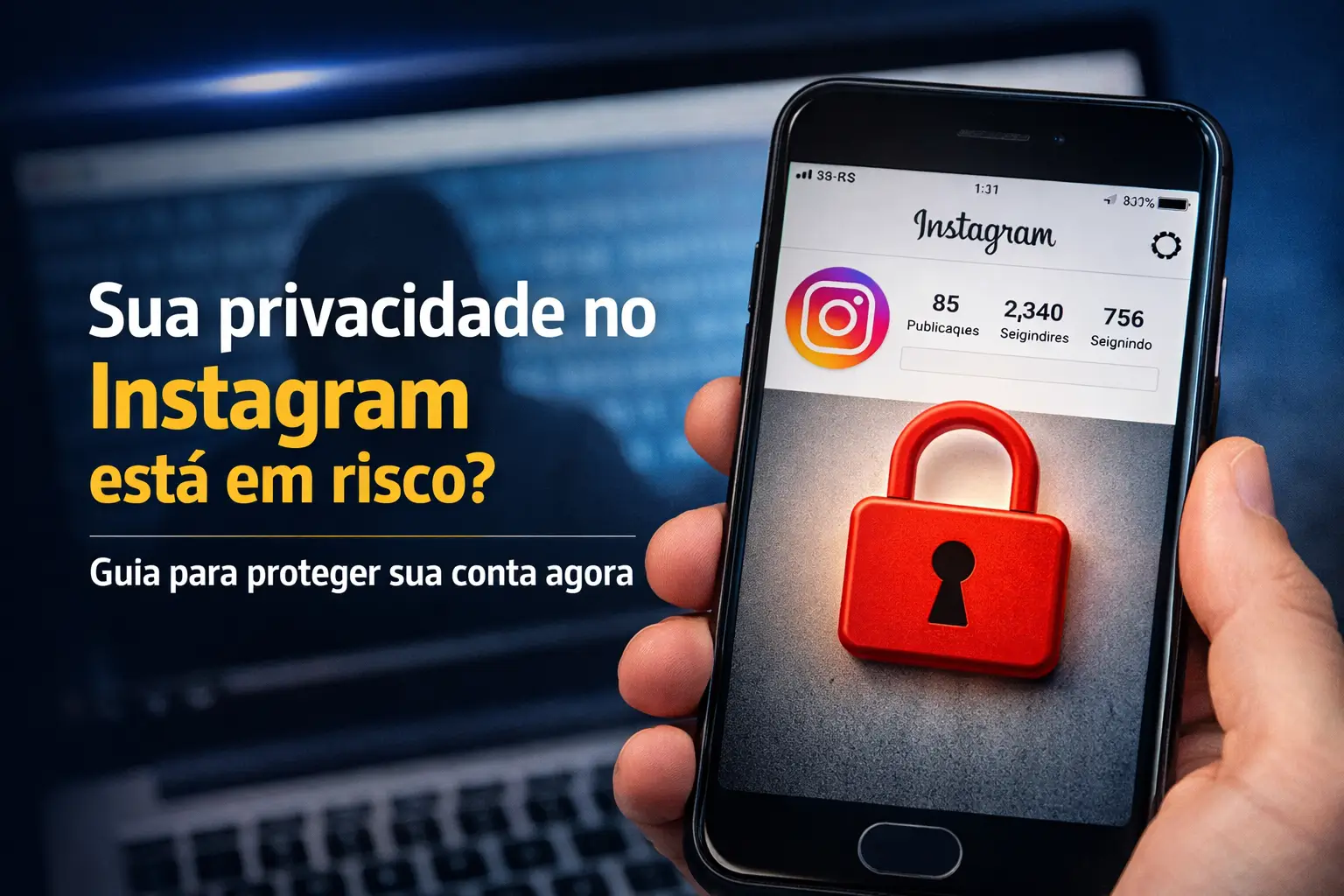
Your privacy on Instagram may be at risk right now.Sheats, data leaks and on-call curious are real and increasingly common threats.
The good news is that you have the power to turn this game around. Securing your account is simpler and faster than you might think, and does not require technical knowledge.
This complete guide, updated for March 2026, is your map.We will show you the exact step by step to shield your information and use the network safely.
Why is your privacy on Instagram so important?
Think of your Instagram as an extension of your home.You wouldn't leave the door open for anyone to enter, right?The logic is the same in the digital world.
Without the right barriers, your personal photos, conversations, and even your location can fall into the wrong hands.
Protecting your privacy is not about hiding something total control who sees your information and how it is used is your right.
The most urgent step: Enable Two-Factor Authentication (2FA)
If you could only do one thing to protect your account, it would be this. Two-factor authentication (2FA) is your extra layer of security.
It works like a second lock. Even if someone steals your password, you won't be able to enter it without a code that only you have. Activating is very easy.
- Go to your profile and tap the menu (the three lines in the top right corner).
- Access “Settings and privacy” and then “Central de Contas”.
- Tap “Password and security” and then “Authentication of two factors”.
- Choose the Instagram profile you want to protect.
- Select security method.
Expert tip: Choose option “Authentication application”. It is much more secure than SMS or WhatsApp, which can be cloned.
Use apps like Google Authenticator or Microsoft Authenticator. Once you've set up, save your backup codes in a safe place.They are your salvation.
Detective in your account: How to check login activities
Do you know exactly where your Instagram account is connected at this time? Finding out suspicious accesses is key to acting fast.
Instagram logs each login, showing the location, date, and type of device. Checking this list regularly is a few seconds task.
Follow this path to investigate:
- Open the “Central de Contas” (same way of 2FA).
- Go in “Password and security” and tap “Where you logged in”.
- Select your Instagram profile.
- You will see a list with all active logins.Check carefully.
Recognized a strange device or city? Tap it and select “Sair immediately. Then change your password as a precaution.
Enjoy that it is on the security screen and activate the “Alerts de login”. Instagram will notify you by notification of any access on a new device.
General Cleanup: Revoke access to suspicious applications
Over the years, you have probably connected multiple apps and websites to your Instagram account.Some may no longer be safe or necessary.
These third-party apps may be allowed to see your data and even act on your behalf. Making a”-based“fax in these permissions is essential for privacy.
For this task, the ideal is to use a computer, because the visualization is clearer.
- Go to the Instagram website in your browser and log in.
- Click the gear icon (Settings) on your profile.
- Search for “Authorized applications” or a similar name, such as “Plays from the” site.
- You will see the full list of apps with access to your account.
- If you do not recognize or use any more, click “Revoke access” or“Remover”.
Always be wary of apps that ask for exaggerated permissions, such as following people or liking posts for you.
Wall of protection: Is leaving the private account ideal?
Making your account private is one of the most effective ways to control who sees your content. Only followers you approve of will have access to your posts.
This change prevents strangers from seeing your photos, videos and Stories.It is a simple and powerful barrier against curious and malicious people.
To activate, follow the steps:
- Go in “Settings and privacy”.
- Scroll down to the “ sectionWho can see your” content.
- Tap “Privacy of” account.
- Activate key to “Conta private” and confirm.
Attention: professional or content creator accounts cannot be private. You will need to switch to a personal account first to make this change.
Remember that your profile picture and bio will remain public.In addition, your current followers are not removed. Make a clean one on your list if necessary.
Fine-tuning: Control who comments, tags, and views your Stories
In addition to locking your profile, Instagram offers detailed controls for managing interactions.You decide who can talk to you and how.
These fine-tuning ensures that your network experience is smoother and more secure, free of spam or unwanted contacts.
- Comment Control: Block comments from specific people or filter offensive words in “Hide” words.
- Tags and Mentions: In “Tags and” mentions, define whether everyone, just who you follow or no one can tag your profile.
- Stories Privacy: Use the list of “Best Friends” to share more intimate moments with a select group.
- Activity Status: Don't want them to know when you're online? Go to “Messages and replies to story” and disable “Show activity status”.
Use these settings to create a digital environment that is comfortable and secure for your usage profile.
Keep an eye out: Common Instagram scams and how to protect yourself
Criminals are getting more and more creative.Knowing the most common pitfalls is the best way not to become a victim.
Leak Alert: In January 2026, data from millions of users was leaked.If you receive password reset emails that you did not ask for, change it on the fly.
Watch out for these scams:
- Phishing: Fake emails or DMs that mimic Instagram to steal your password.Instagram never ask for your password by email. Check the sender.
- Verification Scam: Fake profiles offer the blue check stamp in exchange for money or data. The verification is only done by the app.
- Fake Draws: Offers too good to be true that ask you to click on suspicious links or provide personal information.
What's New in 2026: What Instagram is changing about your privacy
The platform is always changing, and many recent updates focus on security, especially from younger users.
As of March 2026, new safety rules for children under 16 come into force in Brazil.
Another important change is in the “Central Accounts”. You will no longer need to enter the password to switch between linked profiles, which requires more attention.
In addition, Instagram already tests a function to hide the list of “Following”. The goal is to protect the privacy of users and prevent improper data collection.
Need help? How to talk to Instagram support
Unfortunately, Instagram does not have a phone or email support for the general public. The main way to solve problems is within the application itself.
If you need to report a problem, such as a hacked account or a bug, follow these steps:
- Go in “Settings and privacy” and roll to the end.
- Tap “Help” and then in “Report a” problem.
- Describe what happened in as much detail as possible. If possible, attach screenshots to help the team understand the situation.
Subscribers of Verified Meta (the blue paid seal) have an advantage: access to priority support via chat, with human and faster service.
Your plan of action for a secure account today
Protecting your privacy on Instagram is not a one-time action, but a habit.With the right tools, you navigate much more smoothly.
Start with the basics and more importantly.If you feel overwhelmed with so many options, focus on these three essential points right now.
- Activate 2FA: Use an authenticator app.It is your best defense.
- Check Logins: Look at the access list and disconnect any suspicious devices.
- Revoke Permissions: Clean up third-party apps connected to your account.
Take a few minutes, follow the steps in this guide and take control of your safety.
Maybe you might like: