Announcements
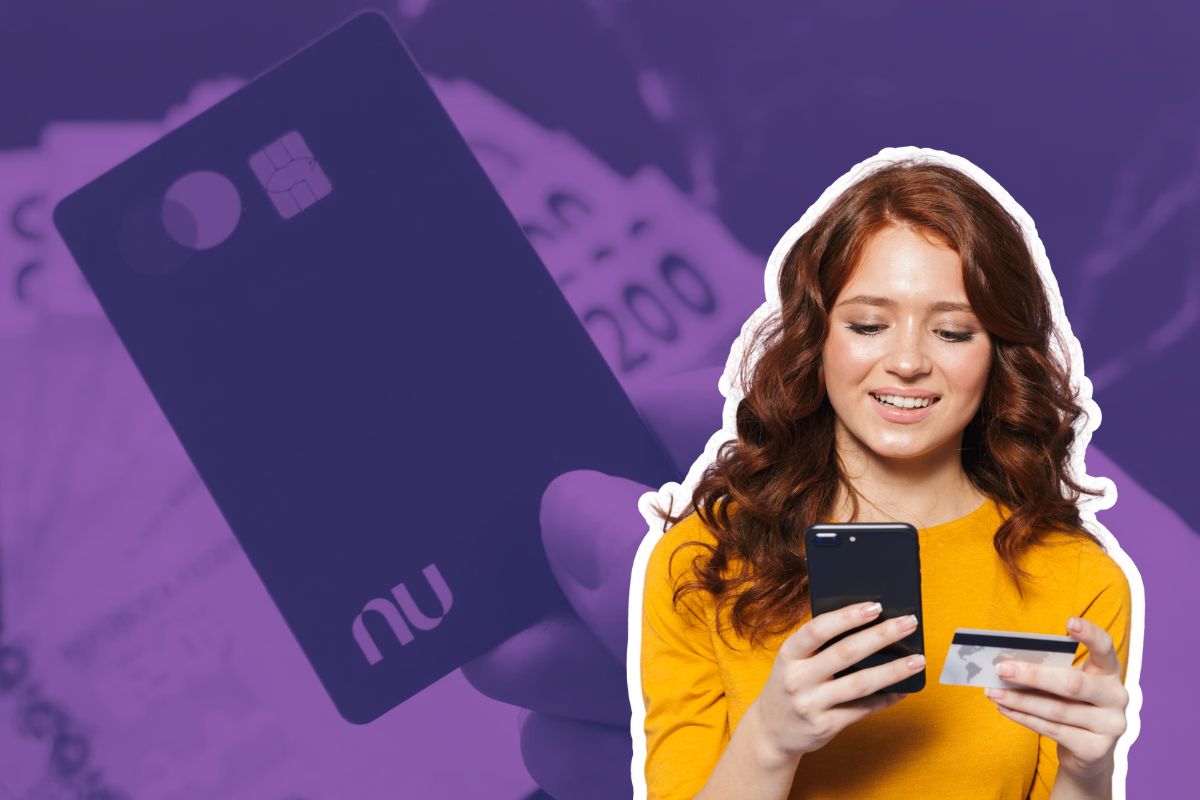
O payment by approximation is a resource that has become increasingly popular in Brazil. This is a quick and practical option for those who want to make payments on a daily basis.
In case of Nubank, the famous “roxinho”, the physical and virtual card offer this functionality, based on technology (Near Field Communication). Next, check out this guide what you need to know to configure the approach payment directly by mobile.
How to activate the approach payment on the physical card Nubank
If you already have the physical Nubank card and want to activate the approach payment, follow the step by step:
- Unlock the card:After receiving the card, go to the Nubank app and click on “Received my” card to unlock it.
- Make the first purchase with a password: Insert the card into a machine and enter the password. From this first transaction, the approach function will be activated automatically for future purchases.
- Configure in app (optional):
- Open the Nubank app and go to“My” Cards.
- Select the physical card and tap “Configure”.
- Make sure that the “Purchases by” approach option is enabled.
How to use approach payment on mobile
In addition to the physical card, Nubank also allows you to add the virtual card to the digital wallet of your mobile phone, either in the Google Pay (Android) or no Apple Pay (iOS). This allows you to make payments by bringing your smartphone closer to machines with NFC technology support.
Step by step to add the virtual card to the digital wallet:
- Open the Nubank app and go to“My” Cards.
- Select the virtual card and tap “Configure”.
- Choose the option “Add to Google Pay/Apple Pay”.
- Follow the instructions to complete the setup, including accepting the terms of use.
With the virtual card configured, just approach the mobile phone to a compatible machine to make payments. No need to enter password on purchases up to R $ 200.
How to disable payment by approximation
If you prefer more control over your transactions or have security concerns, you can disable the physical Nubank card approach function directly in the app
- Go to the Nubank app and click on “My” Cards.
- Choose the physical card and tap “Configure”.
- Disable the option “Purchases by” approach by tapping the purple button.
To deactivate on mobile (Google Pay/Apple Pay):
If you have added the virtual card to the mobile phone's digital wallet, you will need to remove the card:
- On Android: open Google Pay, select the Nubank card and click on “Remove payment method”.
- On iOS: go to Wallet app, select the card and tap on “Remove” card.
After these actions, the pay-by-approach function will be deactivated.
The payment by approach service is considered safe, encryption and security limits offered by Nubank itself. This is a practical solution for the day to day, going according to the routine of each user.
Maybe you might like: